How to sign up as a teacher and join your school
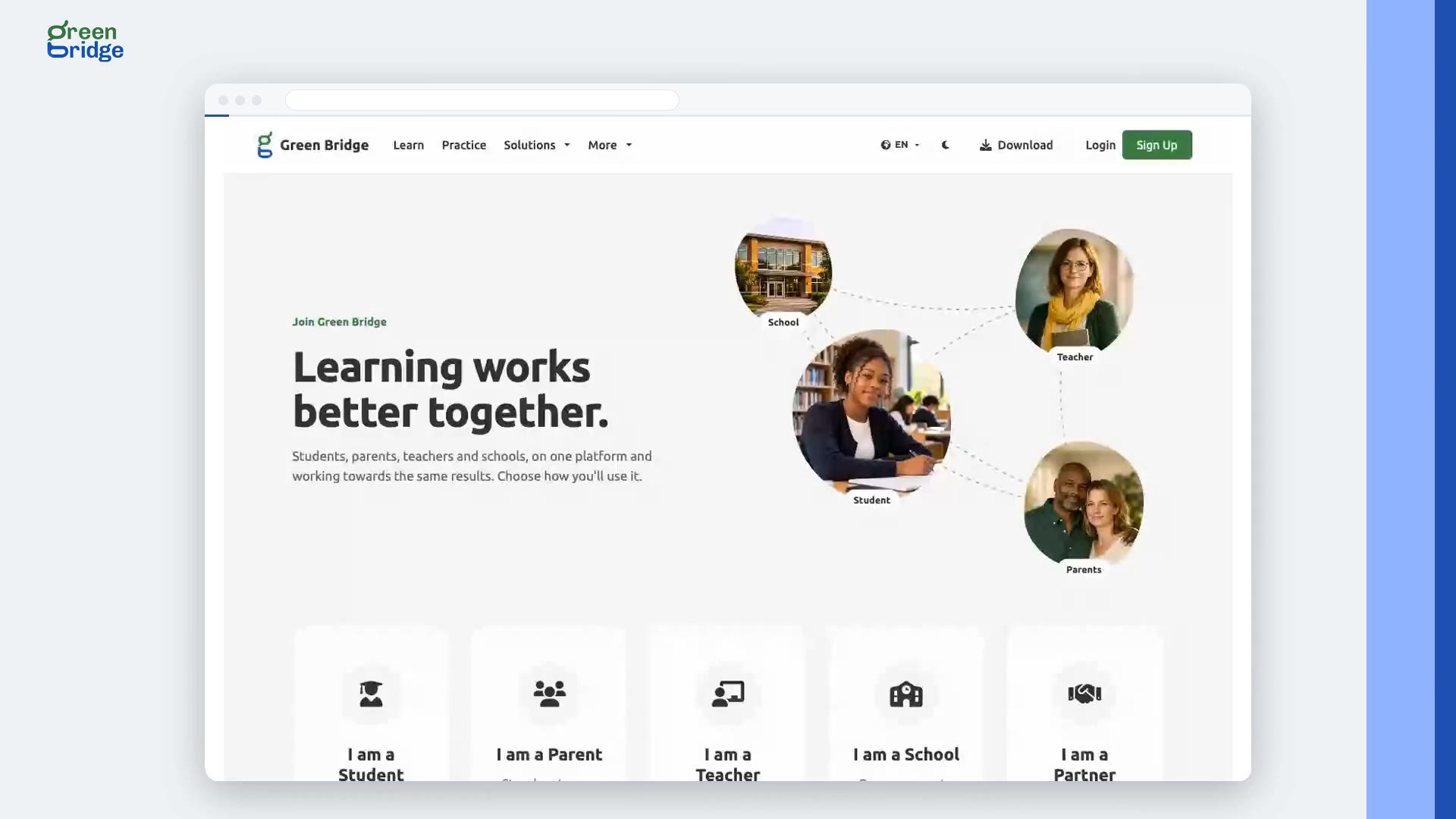
On the sign-up page, choose I am a Teacher and click Continue. When you're asked if you know a school you would love to connect with, choose Yes, I do and type the school's share code. Your school admin gets an email to accept you. Confirm your own address from the welcome email. Once the school accepts, sign in and you'll land on your school dashboard.
Transcript
Waiting for someone to add you? Sign up with your school's code. Here's how a teacher signs up with their school's code, and the school approves them. The teacher signs up, and when asked, enters their school's code. They're asked to check their inbox, and the school has their request waiting. The school's admin is emailed a link to accept them. The teacher confirms their email, and the school accepts them, straight from that email. Connection accepted. Now the teacher signs in, and lands on their school dashboard. Teach with Green Bridge at www.supergb.com.