How to preview a question-bank paper with its answers
In your admin dashboard, open Manage assessments and open the paper's questions. Preview the paper to see its title, all its questions and their answers.
In your admin dashboard, open Manage assessments and open the paper's questions. Preview the paper to see its title, all its questions and their answers.
 0:22
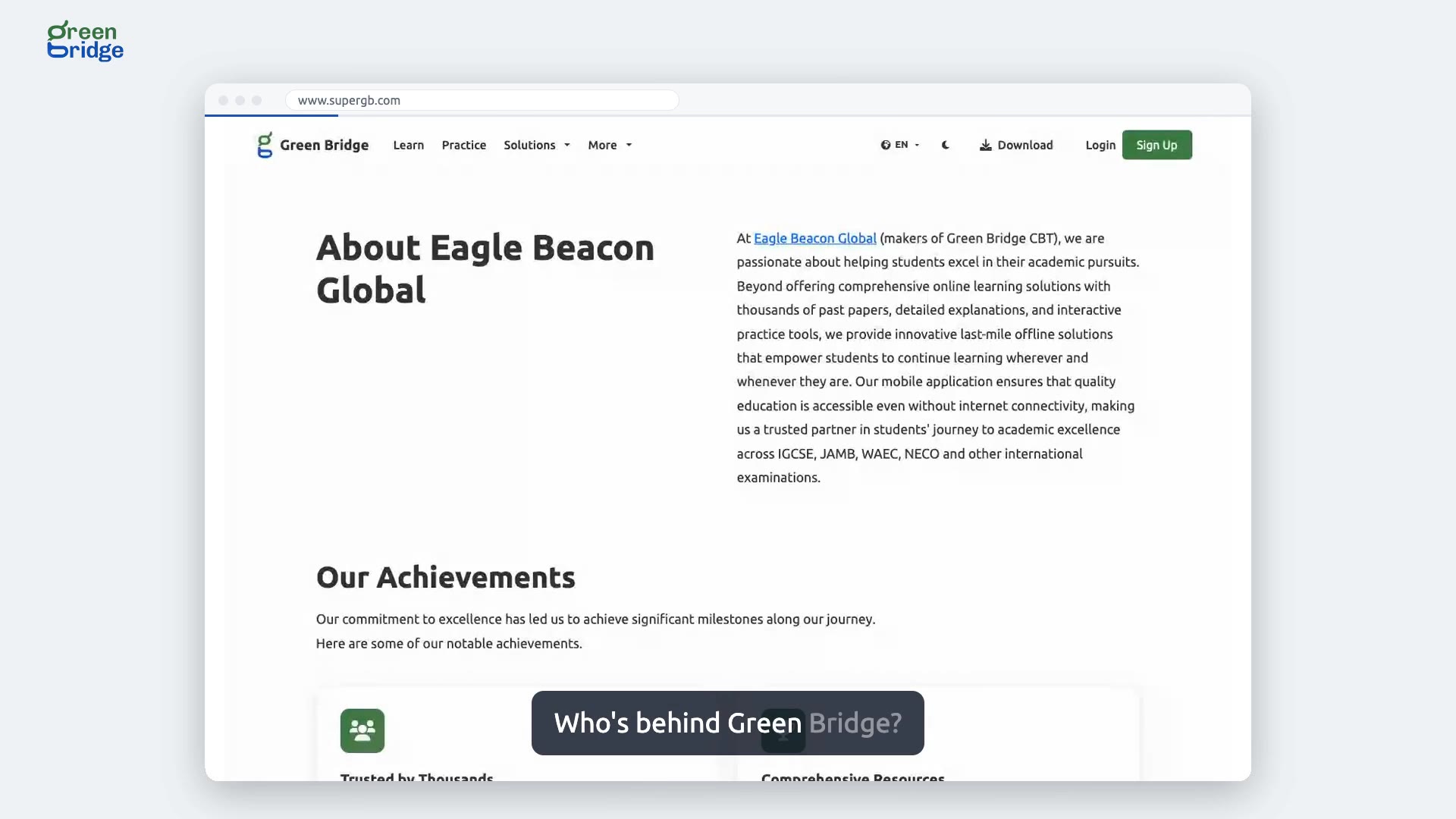
Who is behind Green Bridge?
Green Bridge is made by Eagle Beacon Global. To read about the company, scroll to the bottom of any page and click Company in the footer. The About Eagle Beacon Global page covers what the team has achieved so far and the goals it is working towards.
 0:26
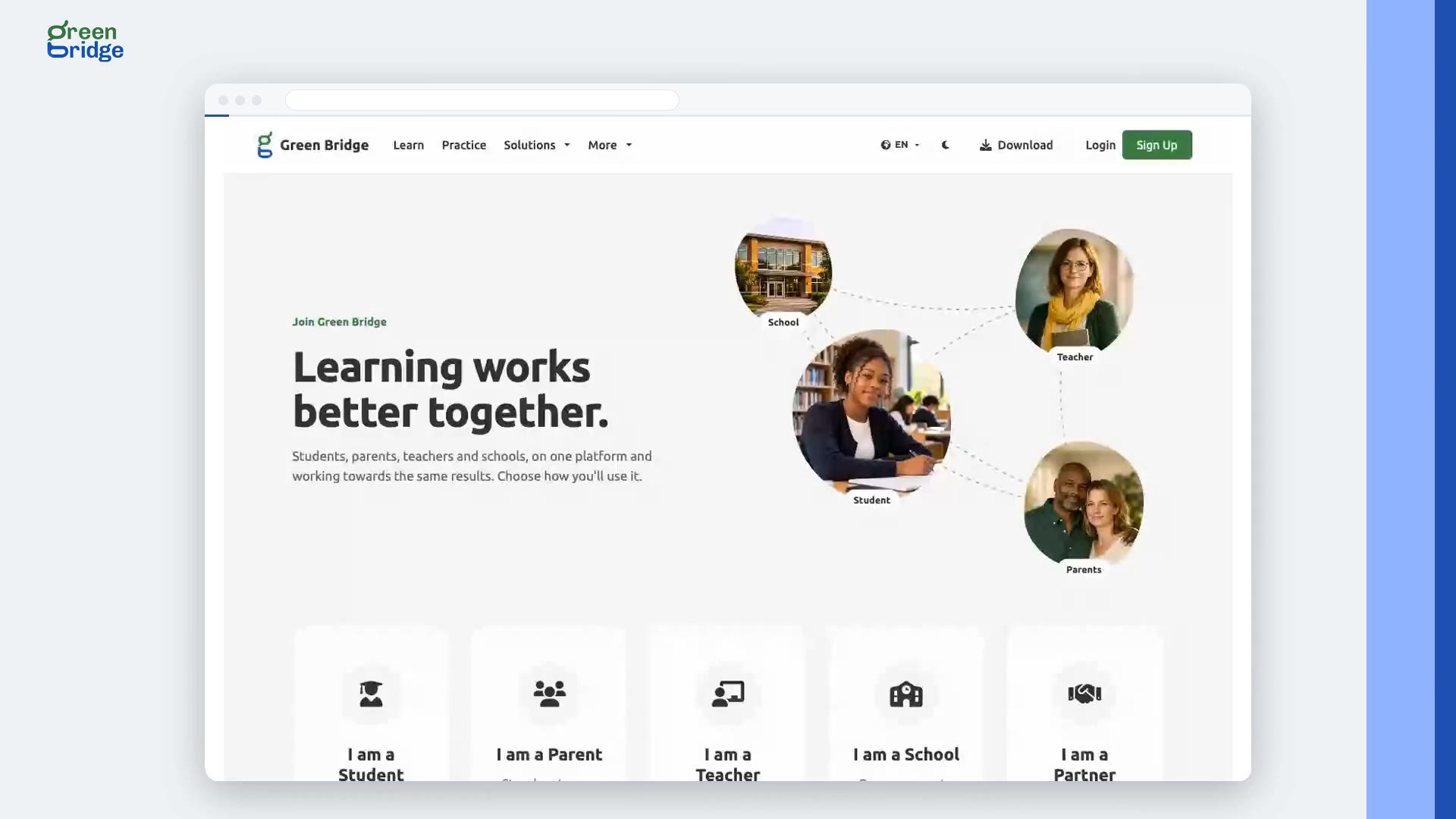
How to choose the right account when you sign up
On the sign-in page, click Create a free account. Pick the card that describes you: I am a Student, I am a Parent, I am a Teacher, I am a School or I am a Partner Organisation, and click Continue. Each one takes you to a sign-up made for that kind of account.
 0:23
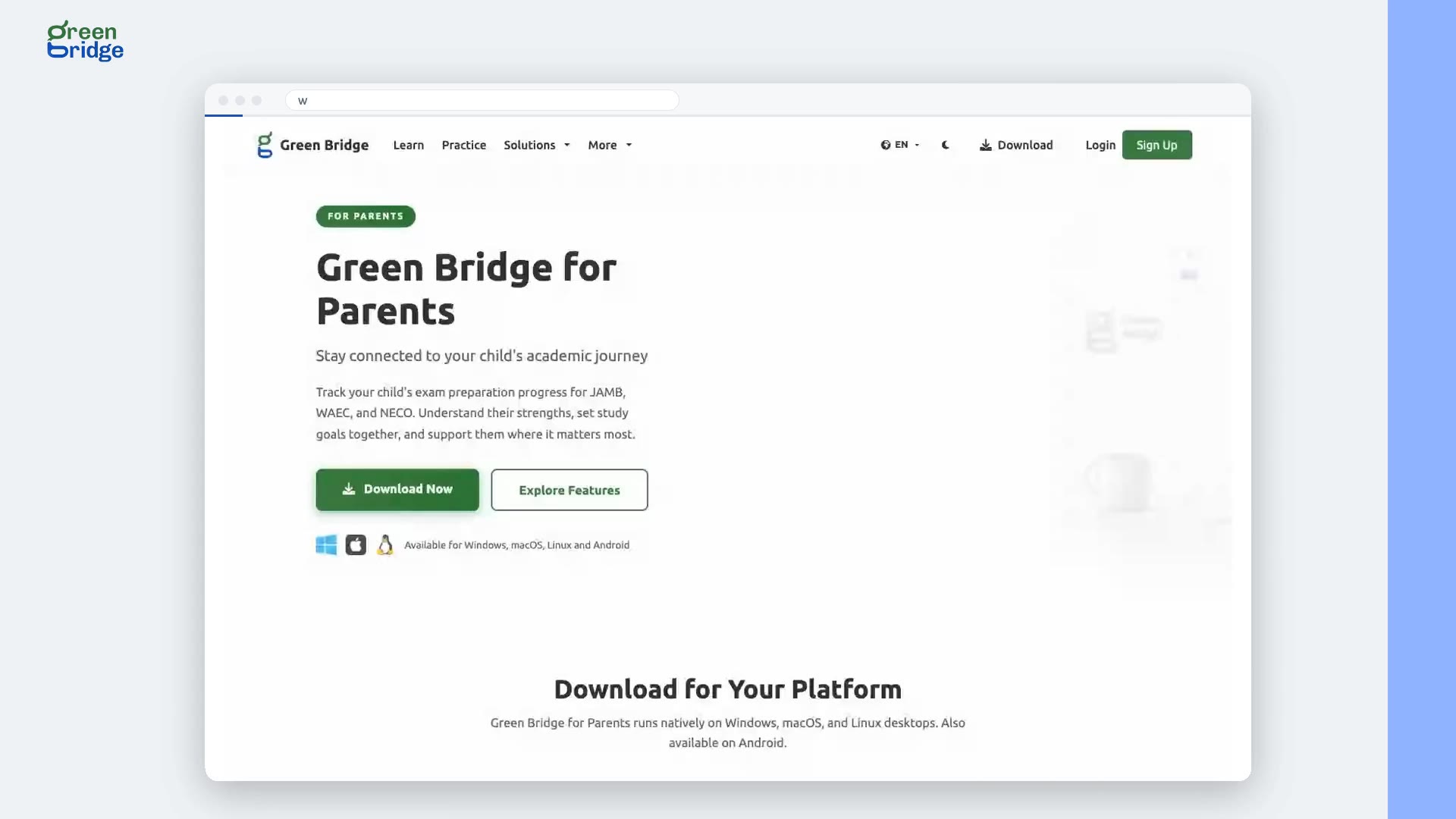
How to get the Green Bridge desktop app for parents
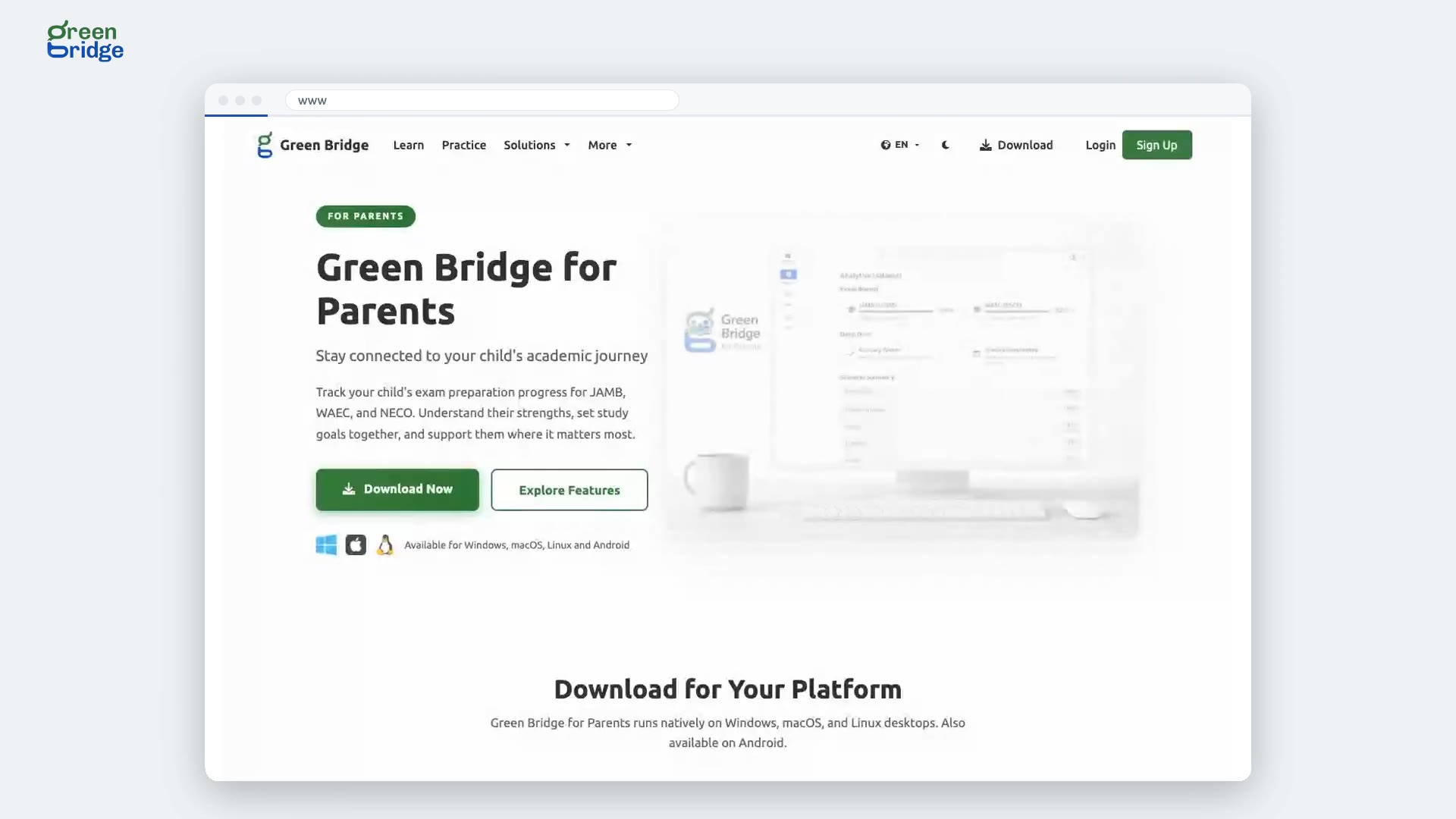
Click Download at the top of the page, choose Get Green Bridge for Parents, then View Desktop Downloads. The Green Bridge for Parents page shows what the app helps you follow, a video of it in use and the system requirements, with downloads for Windows, macOS and Linux and a link to the Android app.
 0:21
Which computers does the parents' desktop app run on?
The parents' desktop app runs on Windows, macOS and Linux. On its download page, choose Apple Silicon or Intel for a Mac, and 64-bit or ARM64 for Linux. Every download is the same version of the app, so each computer gets the same features.
 0:25
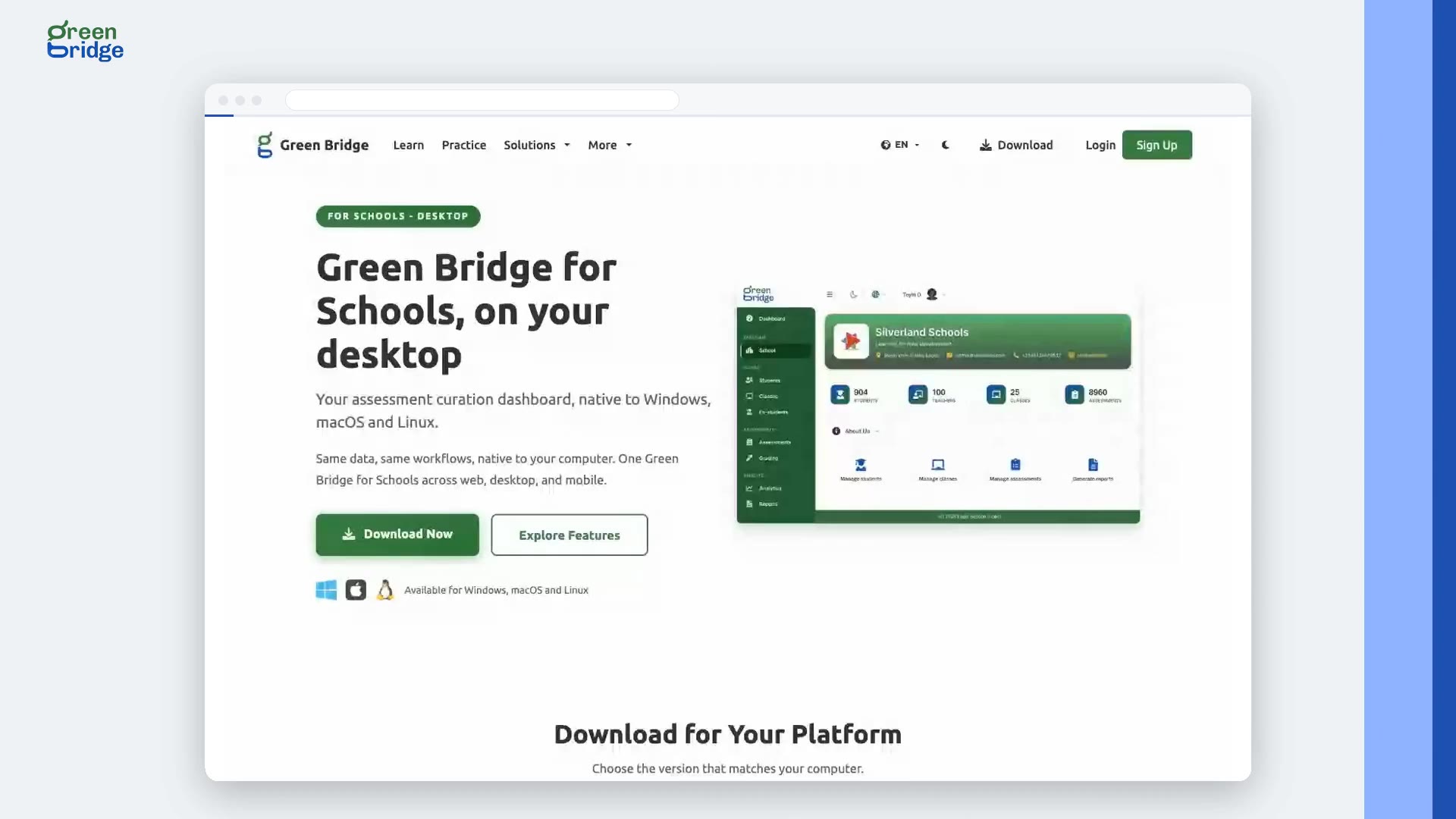
How to get the Green Bridge desktop app for schools
Click Download at the top of the page, choose Get Green Bridge for Schools, then Preview Desktop. The page explains what staff can do with the app on school computers, offers downloads for Windows, macOS and Linux, and lists the system requirements.
 0:25
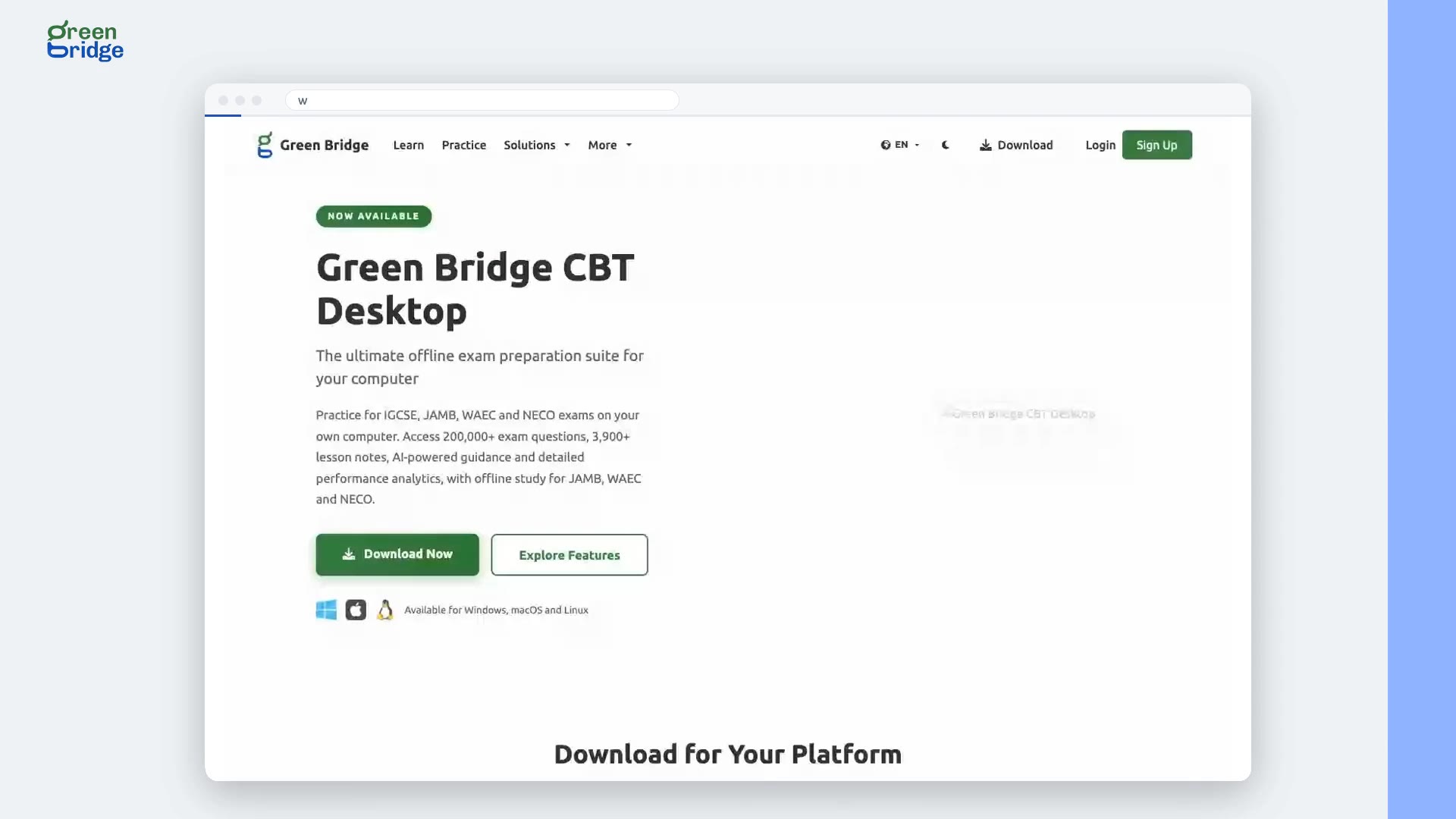
How to get the Green Bridge desktop app for students
Click Download at the top of the page, then Get Green Bridge for Students, and choose Go to Desktop Downloads. The Green Bridge CBT Desktop page has downloads for Windows, macOS and Linux, videos of the app in use and the system requirements. Check those before you install so you know your computer can run it.