How to pay for premium your child asked for
When your child asks you to pay for premium, we email you a link. It opens a page with your child's name, the plan and the price. Click the Pay button and finish on the secure checkout page. You'll come back to Green Bridge and be thanked, your child's premium starts and you both get an email. Opening the link again later just says thank you, so you can't pay twice by mistake.
Transcrição
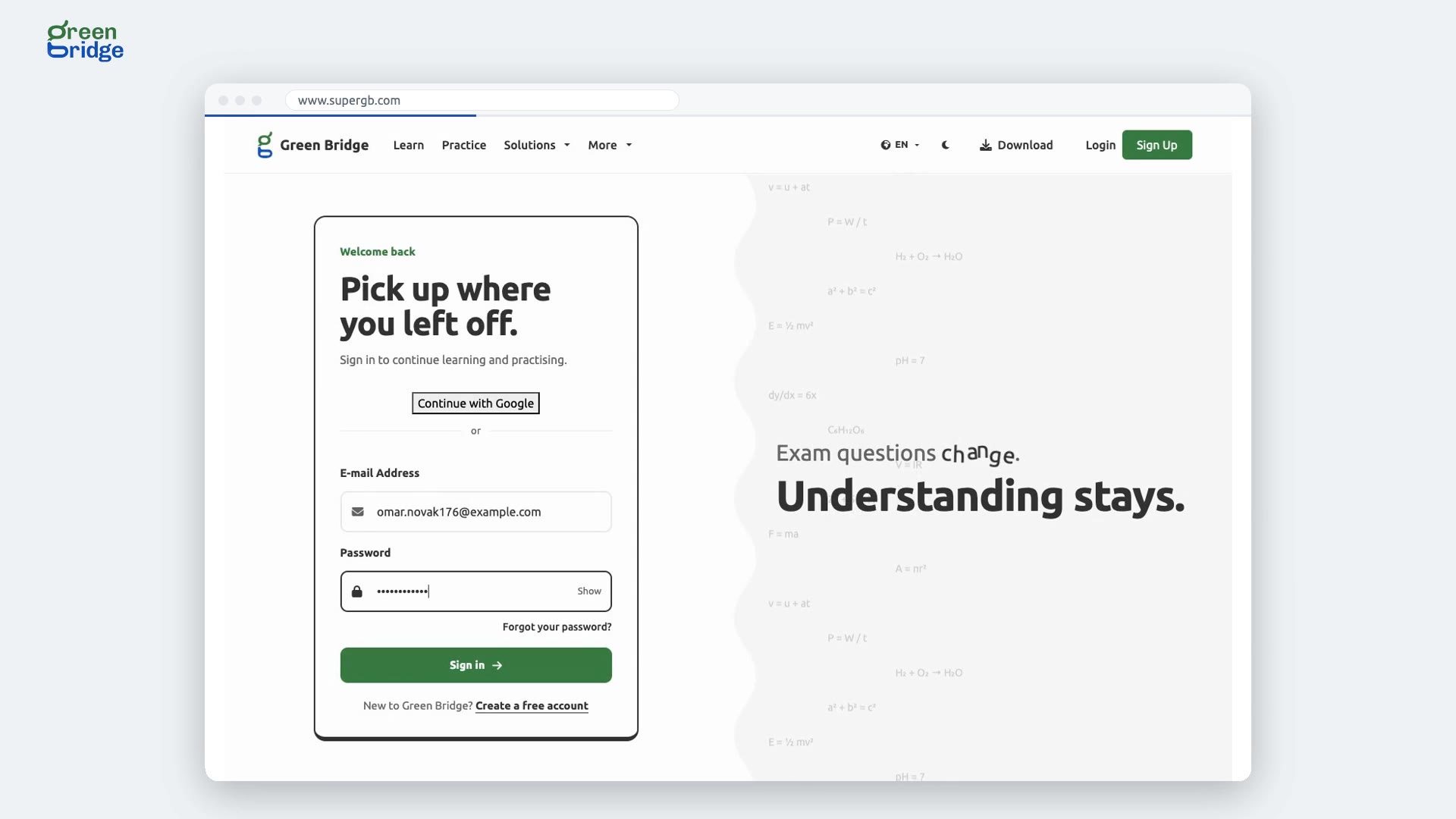
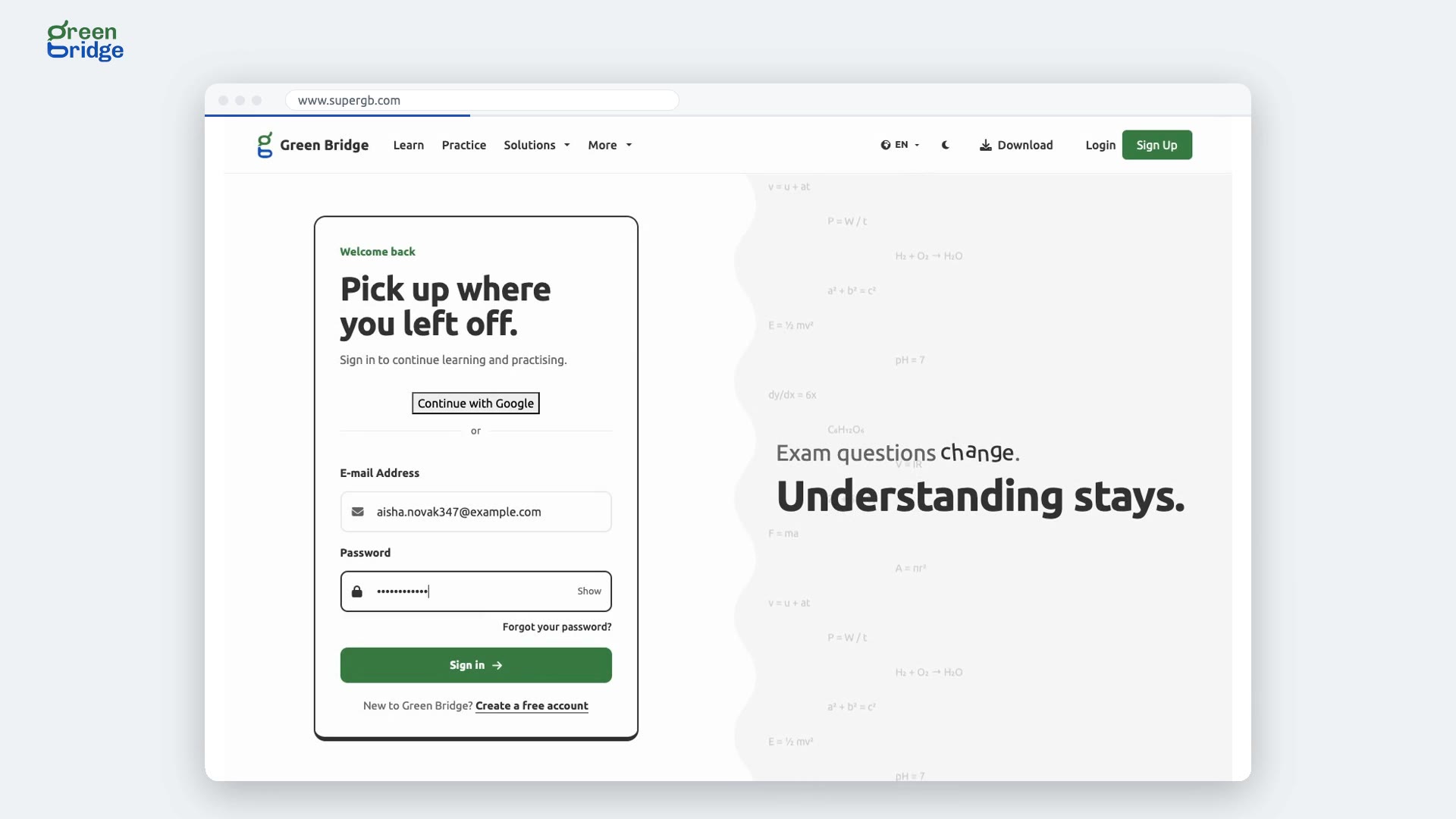
Your child asked for premium. Paying takes one link. Here's how a parent pays for the premium their child asked for. When a student asks, their parent is emailed a link. The parent opens it. It names the student, and the price. They choose to pay, through Paystack. Paystack brings them back to Green Bridge, where they're thanked for the gift. The student has premium straight away, and both of them get an email. Open the link again later, and it simply says thank you. So: your child asks, you follow the link and pay, and their premium starts at once. Give premium at www.supergb.com.