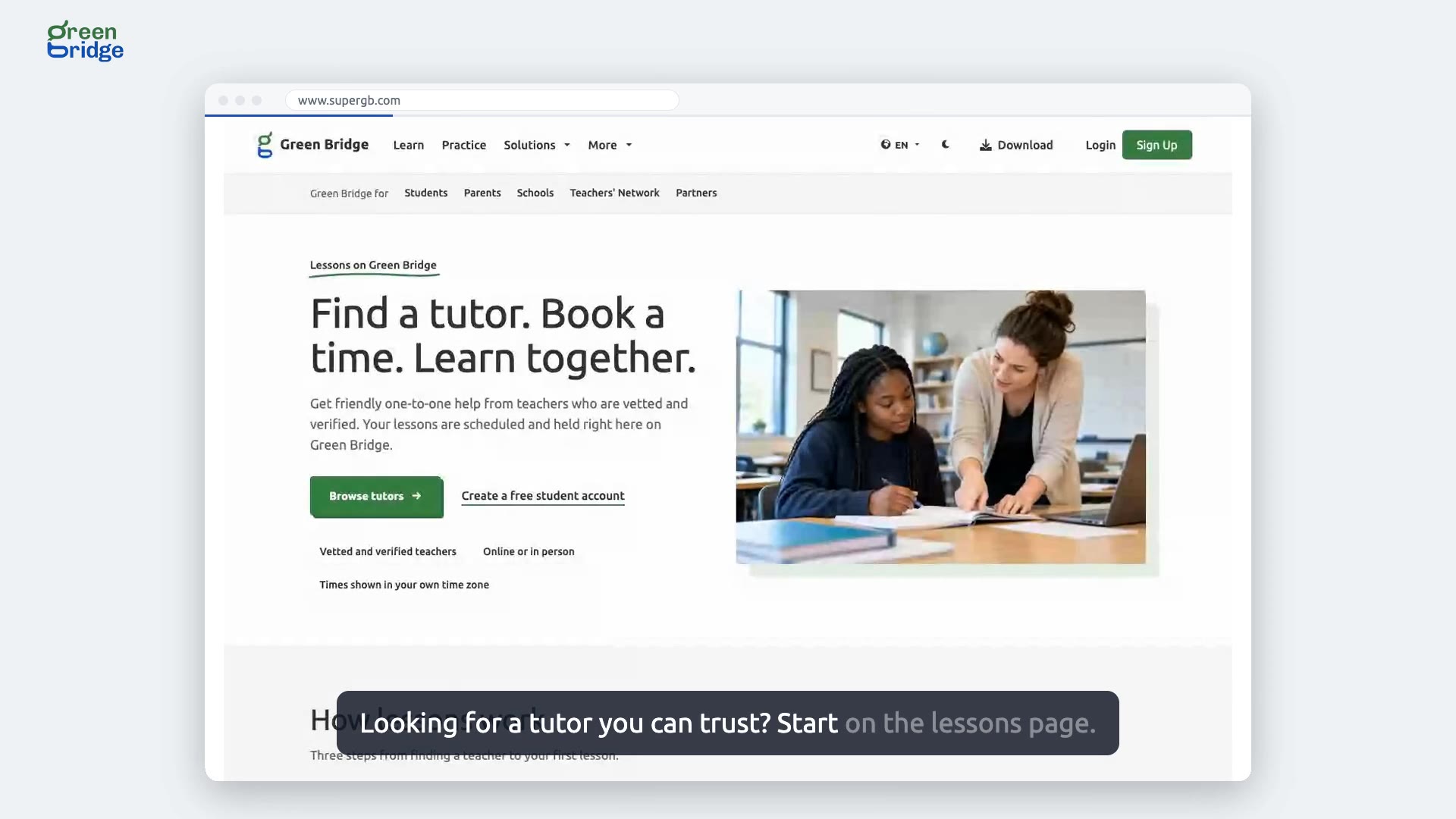
How to apply to teach on the Teachers' Network
Sign in and open Teachers' Network from the menu. The application asks one question at a time: who you are, where and how you teach, your subjects, year groups, exams and languages, and when you're free. Then write a headline and short profile, add a photo, and give your qualifications, safeguarding answers and contact details. Choose who can find you, agree to the terms and click Submit my profile. We'll review it.
Àkọsílẹ̀ ọ̀rọ̀ fídíò
Find students, set your hours, and get paid for teaching. Here's how a teacher applies to the Green Bridge Teachers' Network, from the first question to submitting. The teacher signs in, and begins the application. First, who they are, where they are, and how they teach. Then what they teach: subjects, year groups, exams, languages, and experience. When they're free to teach, and for how long. A headline and a short profile, with a photo. Their qualifications, and safeguarding answers. Who can find them, and the agreements. Submit, and their application goes for review. So: tell us about you and your teaching, agree to the terms, and we'll review your application. Apply at www.supergb.com.