How to write a test for a class you teach
Open Assessments and click Create assessment. The class list offers only the classes you teach. Set the title, subject, duration and question counts and save. Then click the test's name, choose Add question, write the question with its answer and click Save and finish.
Àkọsílẹ̀ ọ̀rọ̀ fídíò
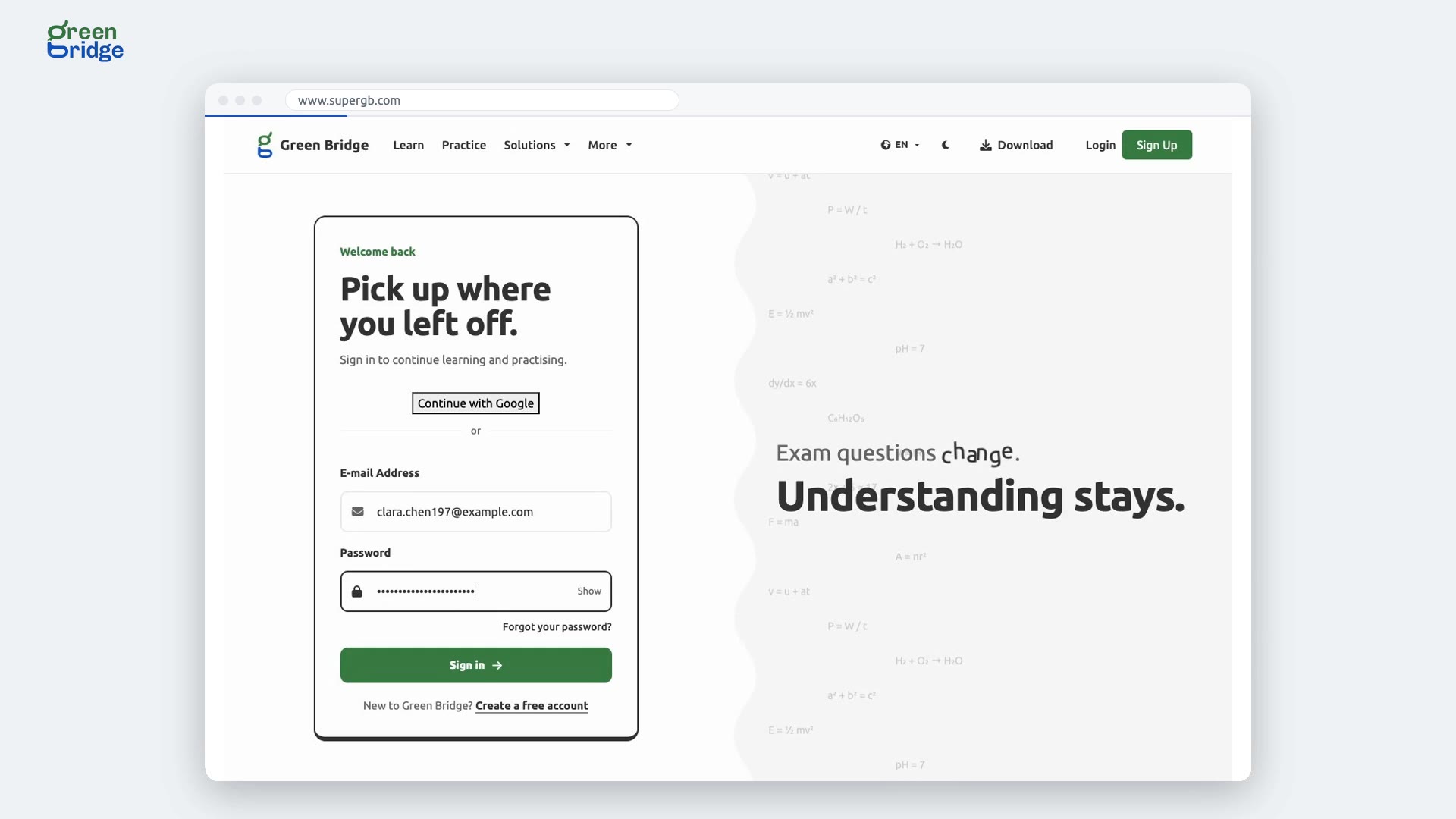
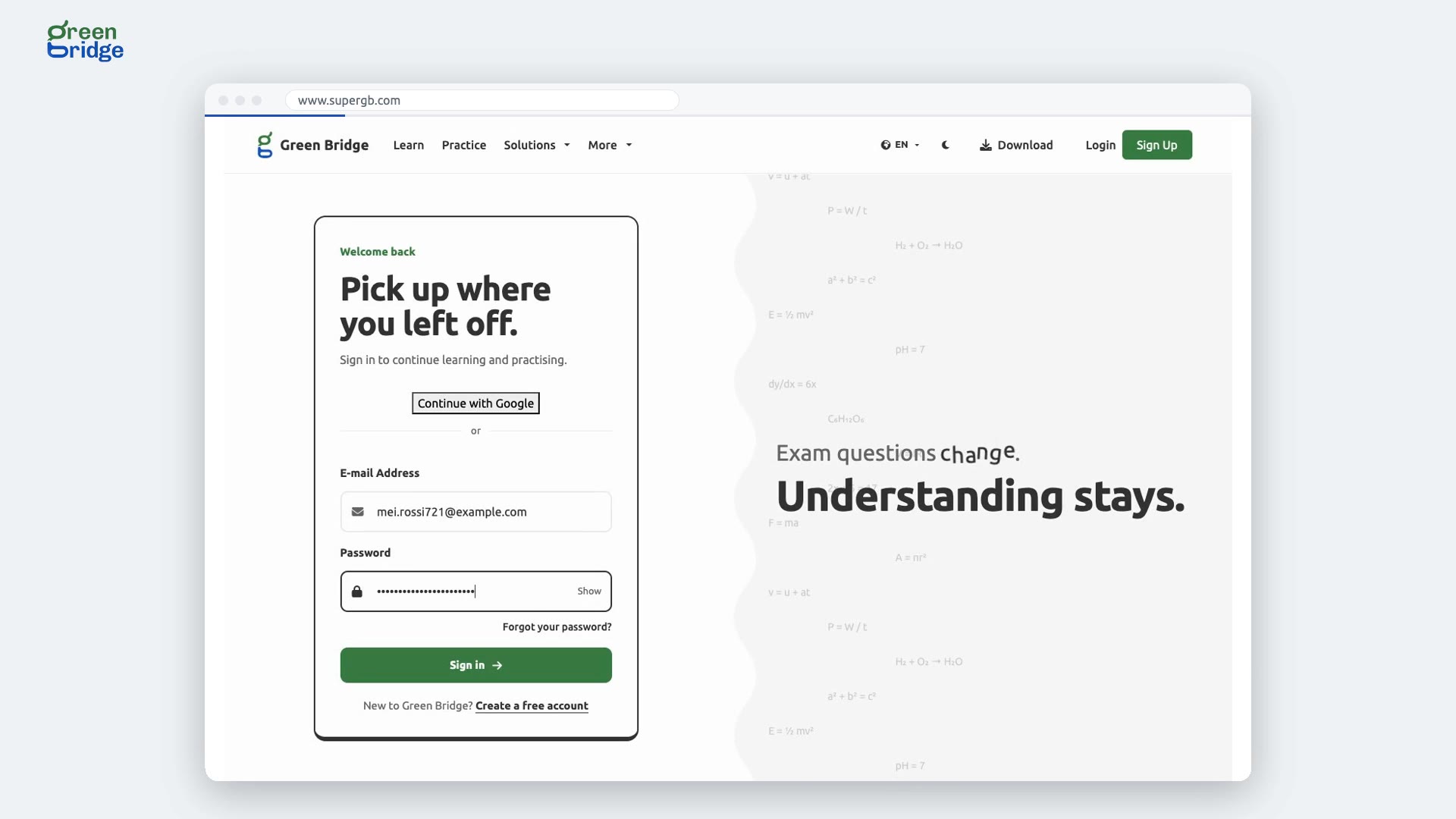
I'd like to set my class a quick quiz. A teacher signs in. In Assessments, they create a test for their class, and save it. They add a multiple choice question, write it, add the options, and mark the right one. Save and finish. Their quiz has its first question. Write your tests at www.supergb.com.