How to verify your ID as a Network teacher
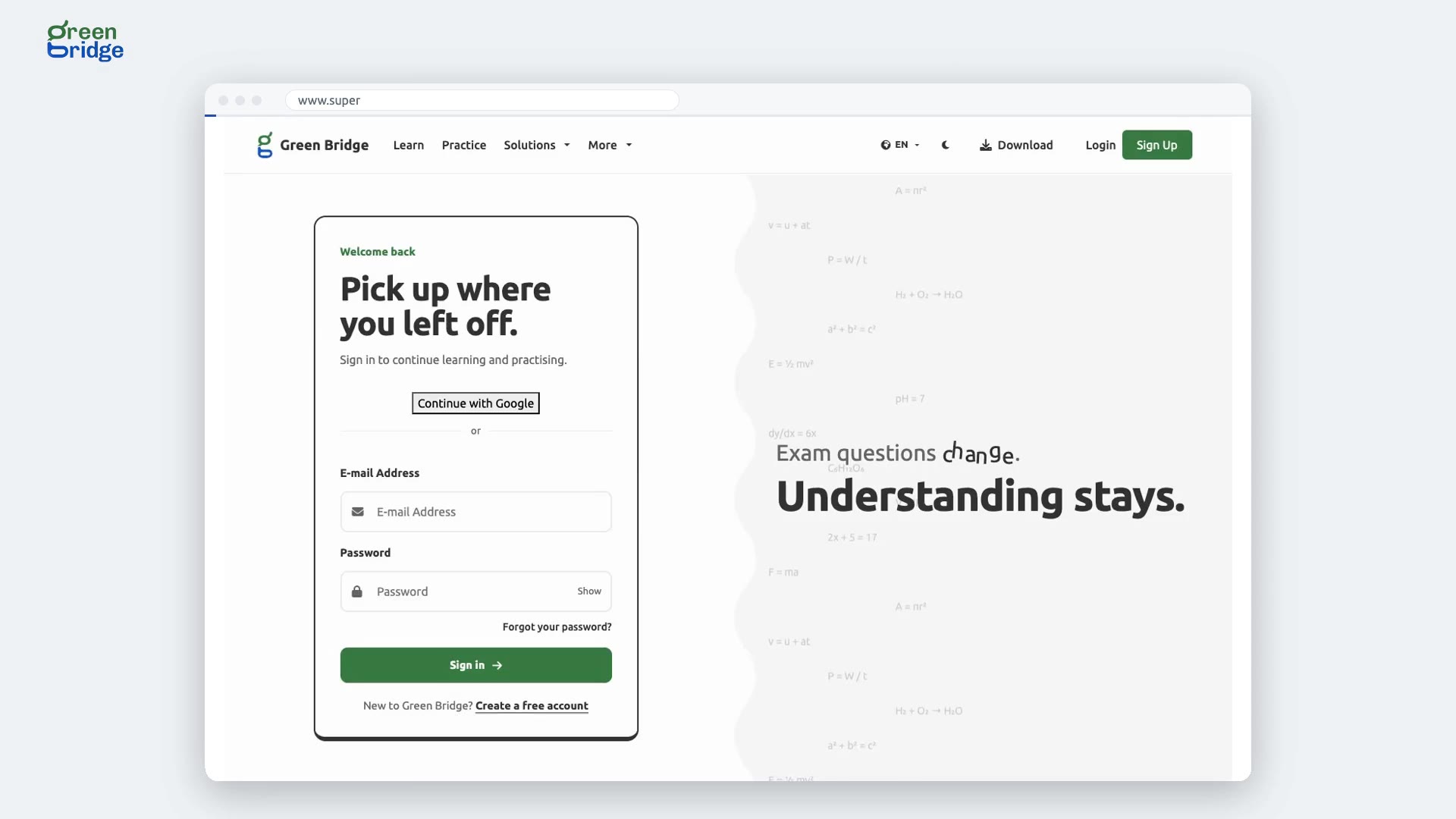
Once your profile is approved, open Teachers' Network and go to Verify your ID. Choose Automatic check, tick the consent box and click Start my ID check. Our ID partner asks you to photograph your passport or ID card and take a short selfie, turning your head left and right. When you come back, you'll see "Your ID is verified. Thank you."
Nakala ya video
Every teacher on the Network has proved who they are. Here's how. Here's how a Teachers' Network tutor proves who they are with a photo ID and a selfie. The tutor signs in, and opens their identity check. They agree to the check, and start it. A trusted identity verifier takes over. Get started. They agree to their images being checked, and choose a passport. The photo is taken automatically, then a quick selfie, turning their head left and right. The verifier checks the document is genuine, and that the selfie matches it. All done. Back on Green Bridge, their identity check shows as passed. So: start the check, photograph your ID, take a selfie, and you're verified. Join the Teachers' Network at www.supergb.com.