From where can the name of a user account be changed?
Swali 1 Ripoti
From where can the name of a user account be changed?
Maelezo ya Majibu
The name of a user account can be changed from the Control Panel in most operating systems, including Windows and macOS.
In Windows, you can access the Control Panel by clicking on the Start menu and selecting "Control Panel" from the list of options. Once in the Control Panel, you can navigate to the "User Accounts" section and select the user account whose name you want to change. From there, you can click on the "Change your account name" option and enter the new name for the account.
Similarly, in macOS, you can access the System Preferences by clicking on the Apple menu and selecting "System Preferences" from the list of options. Once in the System Preferences, you can navigate to the "Users & Groups" section and select the user account whose name you want to change. From there, you can click on the "Full Name" field and enter the new name for the account.
In summary, the name of a user account can be changed from the Control Panel or System Preferences of your operating system. The exact steps to do so may vary slightly depending on the operating system, but in general, you can navigate to the "User Accounts" or "Users & Groups" section and select the account whose name you want to change.
Pakua Programu Kwenye Google Playstore
Kila kitu unachohitaji ili kufaulu katika JAMB, WAEC & NECO.
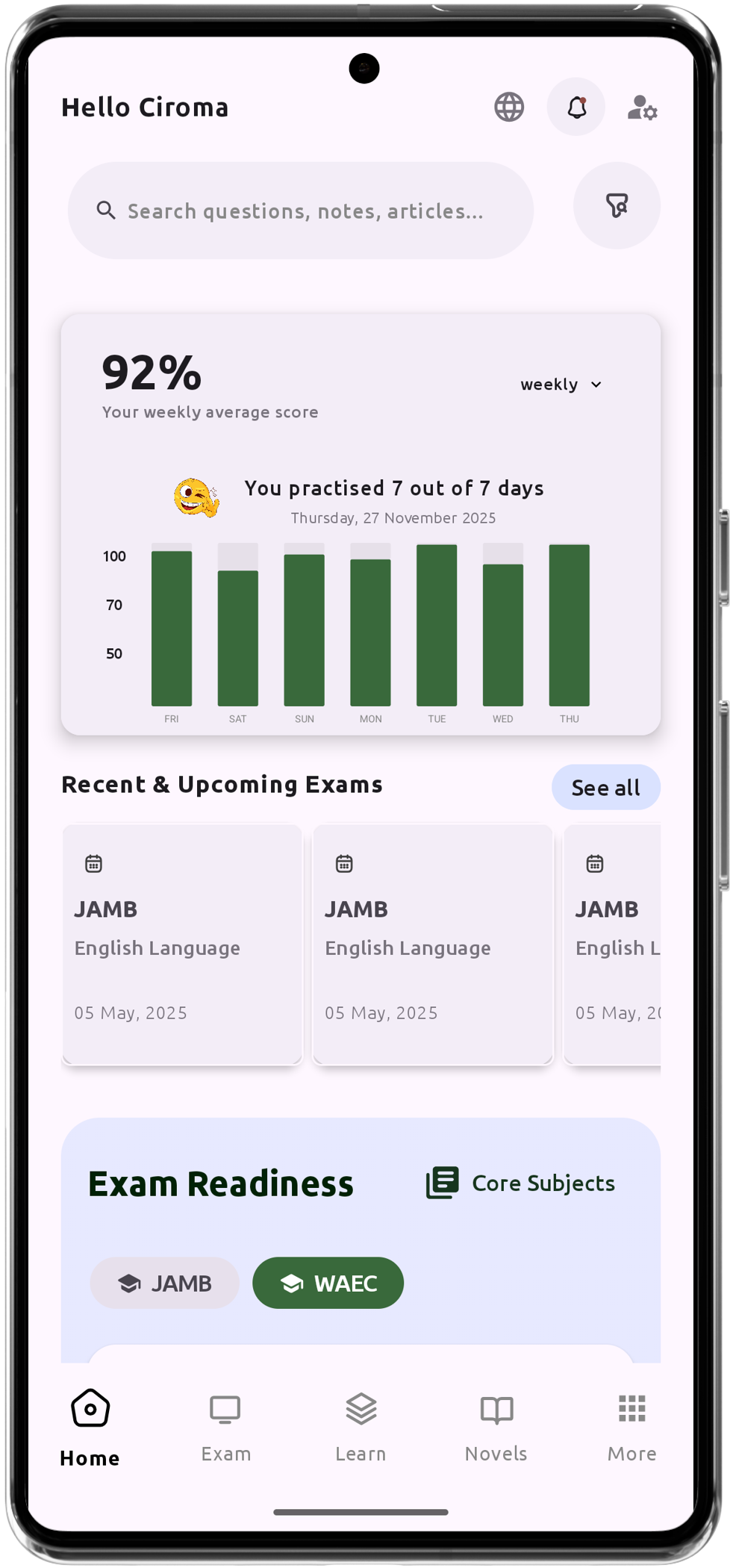
Msaidizi wa Gumzo wa Kujifunza wa AI Uliobinafsishwa
Maswali ya mtihani zaidi ya 200,000 ya IGCSE, JAMB, WAEC na NECO
Zaidi ya Madaftari ya Masomo 1200
Msaada Nje ya Mtandao - Jifunze Wakati Wowote, Popote Pale
Ratiba ya Daraja la Kijani
Muhtasari wa Fasihi na Maswali Yanayoweza Kutokea
Fuata Utendaji na Maendeleo Yako
Maelezo ya Kina kwa Kujifunza kwa Kina