How to sign up as a student
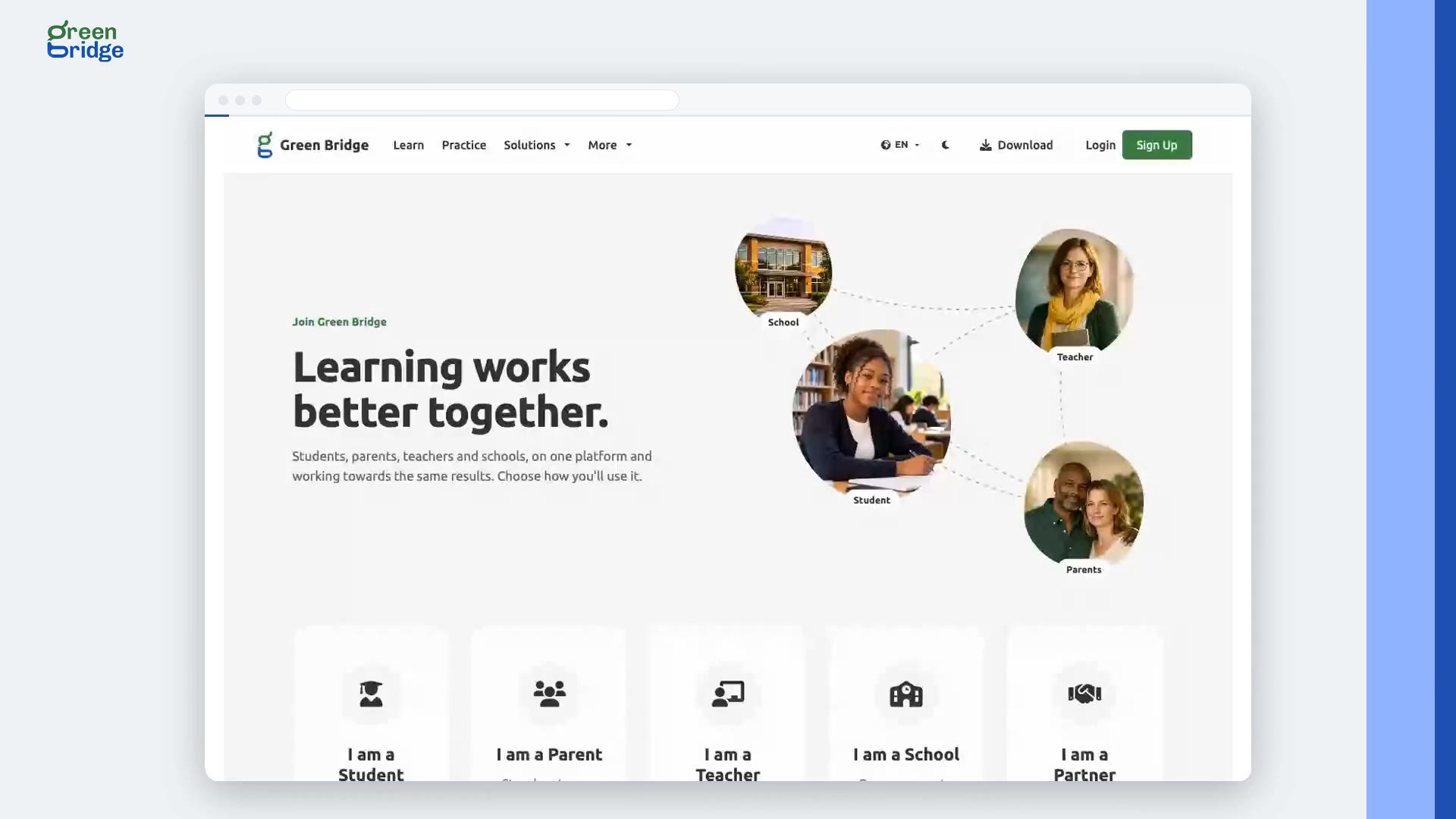
On the sign-up page, choose I am a Student and click Continue. Answer one question at a time, including your name, email, the exam you're preparing for, your date of birth and a password. Some questions about how you study can be skipped with Skip this one. Agree to the Terms and Conditions to finish, then open the welcome email and select the link to activate your account. Now sign in and you'll be on your dashboard.
Transcript
Ready to start practising? Here's how a student signs up for Green Bridge, confirms their email and signs in. One question at a time: their name, email, the exam they're preparing for, date of birth, a password, their subjects, and a phone number. They agree to the terms, and finish. Now they're asked to check their inbox. Signing in before confirming reminds them to verify their email. They follow the link in the welcome email, and their account is active. Now they sign in, and they're on their dashboard. So: answer a few questions, confirm your email, and sign in. Sign up at www.supergb.com.