From where can the name of a user account be changed?
Ajụjụ 1 Ripọtì
From where can the name of a user account be changed?
Akọwa Nkọwa
The name of a user account can be changed from the Control Panel in most operating systems, including Windows and macOS.
In Windows, you can access the Control Panel by clicking on the Start menu and selecting "Control Panel" from the list of options. Once in the Control Panel, you can navigate to the "User Accounts" section and select the user account whose name you want to change. From there, you can click on the "Change your account name" option and enter the new name for the account.
Similarly, in macOS, you can access the System Preferences by clicking on the Apple menu and selecting "System Preferences" from the list of options. Once in the System Preferences, you can navigate to the "Users & Groups" section and select the user account whose name you want to change. From there, you can click on the "Full Name" field and enter the new name for the account.
In summary, the name of a user account can be changed from the Control Panel or System Preferences of your operating system. The exact steps to do so may vary slightly depending on the operating system, but in general, you can navigate to the "User Accounts" or "Users & Groups" section and select the account whose name you want to change.
Budata Ngwa Ahụ Na Google Playstore
Ihe nile ichoro iji nwee ihe ịga nke ọma na JAMB, WAEC & NECO.
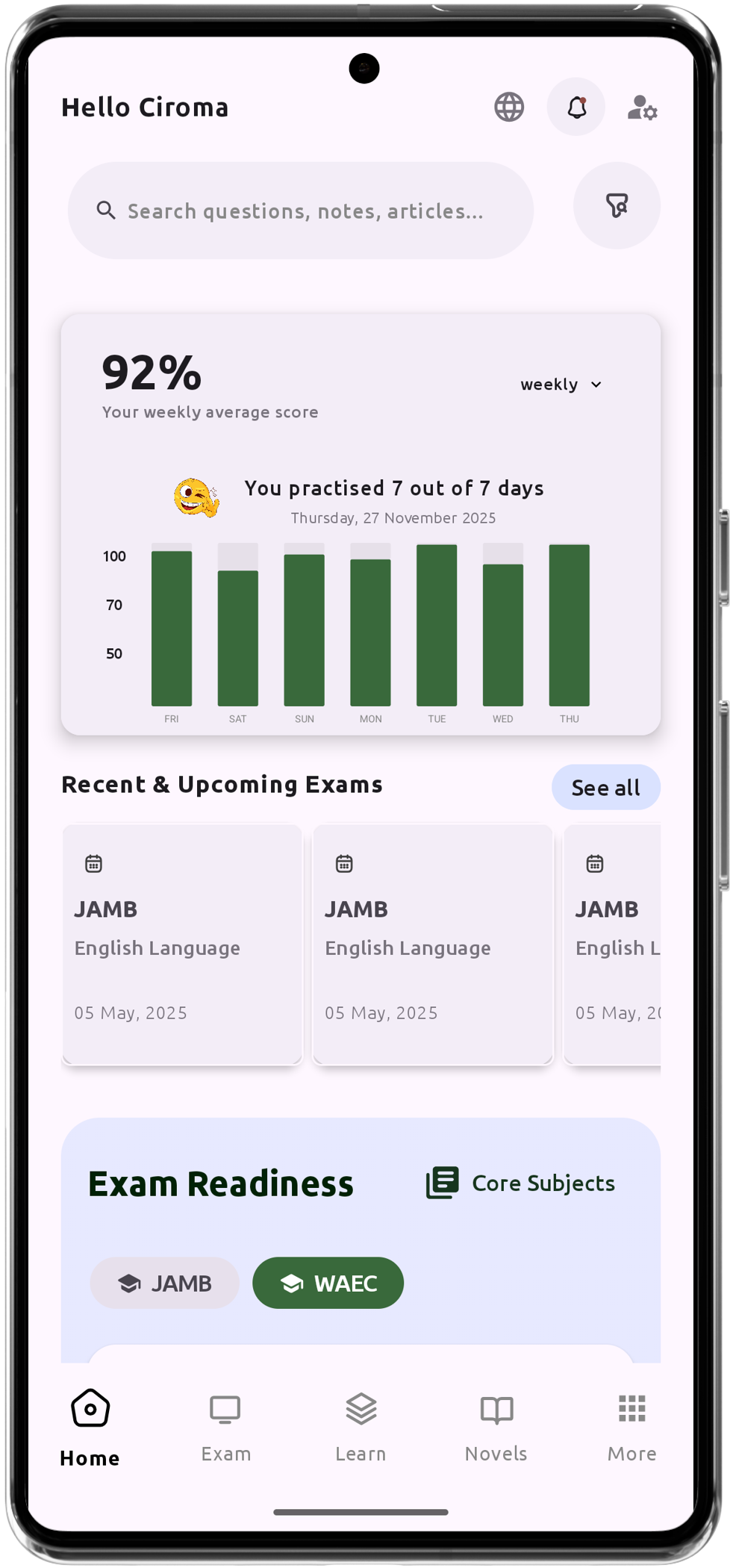
Onye Enyemaka Nkata AI Nke Ọmụmụ Ihe Ahaziri Maka Gị
Ajụjụ ule IGCSE, JAMB, WAEC na NECO karịrị 200,000
Ihe karịrị 1200 Nkọwa Nkuzi
Nkwado Na-enweghị Ịntanetị - Mụọ Ihe Mgbe Ọ Bụla, Ebe Ọ Bụla
Jadawalin Gada Kore
Akọkọ akọle iwe & Ibeere agbara
Sọfụma Ọrụ Gi & Ọganihu Gi
Nkọwa Miri Emi Maka Ọmụmụ Ihe Zuru Ezu