From where can the name of a user account be changed?
Tambaya 1 Rahoto
From where can the name of a user account be changed?
Bayanin Amsa
The name of a user account can be changed from the Control Panel in most operating systems, including Windows and macOS.
In Windows, you can access the Control Panel by clicking on the Start menu and selecting "Control Panel" from the list of options. Once in the Control Panel, you can navigate to the "User Accounts" section and select the user account whose name you want to change. From there, you can click on the "Change your account name" option and enter the new name for the account.
Similarly, in macOS, you can access the System Preferences by clicking on the Apple menu and selecting "System Preferences" from the list of options. Once in the System Preferences, you can navigate to the "Users & Groups" section and select the user account whose name you want to change. From there, you can click on the "Full Name" field and enter the new name for the account.
In summary, the name of a user account can be changed from the Control Panel or System Preferences of your operating system. The exact steps to do so may vary slightly depending on the operating system, but in general, you can navigate to the "User Accounts" or "Users & Groups" section and select the account whose name you want to change.
Sauke Manhajar Daga Google Playstore
Duk abin da kake buƙata don yin fice a JAMB, WAEC & NECO.
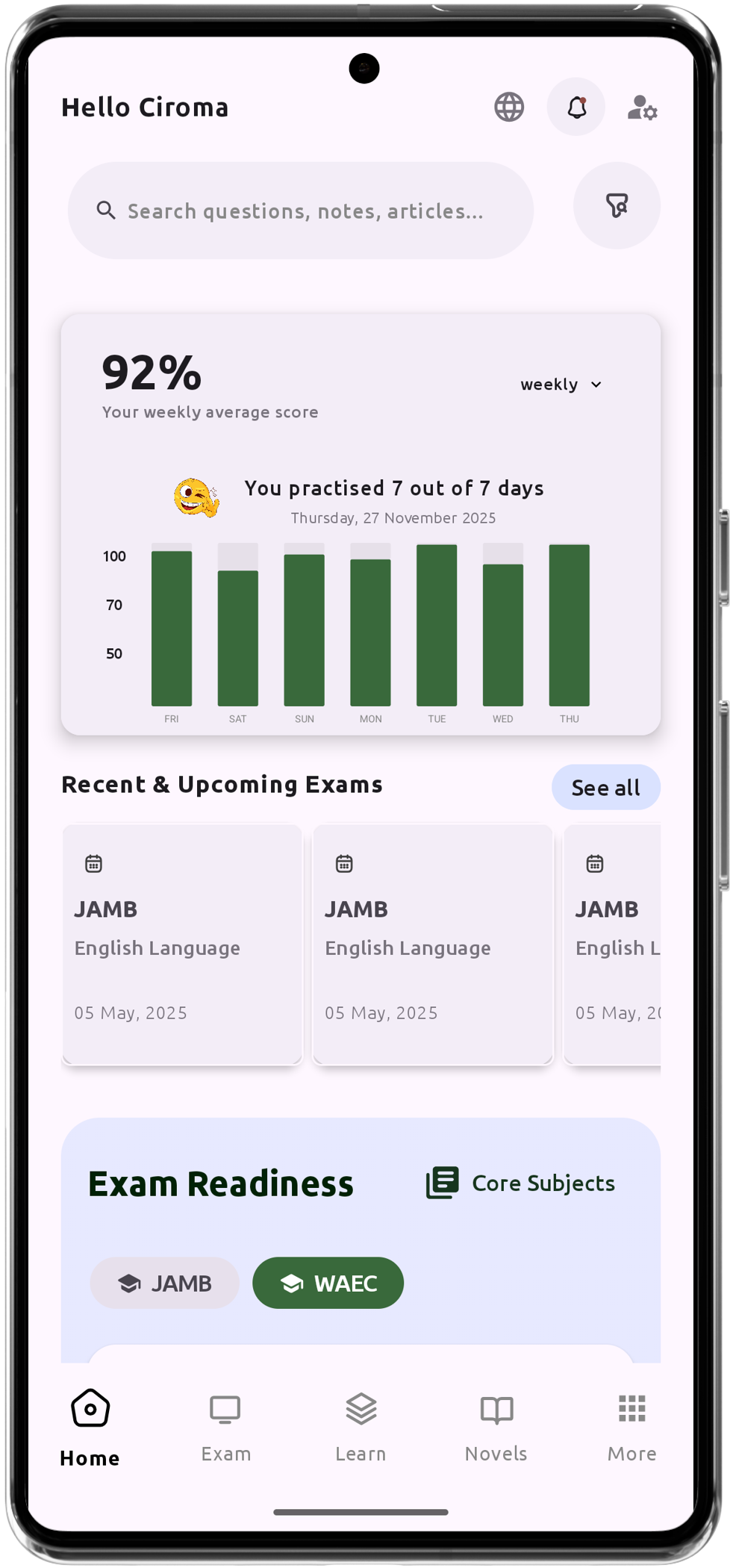
Keɓantaccen Mataimaki na Tattaunawa na Koyo na AI
Tambayoyin jarrabawa na IGCSE, JAMB, WAEC da NECO fiye da 200,000.
Fiye da Lura-Luran Darussa 1200
Tallafin Wajen Layi - Koyo Kowane Lokaci, Ko'ina
Jadawalin Gadar Kore.
Takaitaccen Bayanin Adabi & Tambayoyin Da Za Su Iya Tashi
Bibiye Ayyukanka da Ci Gaban Ka
Cikakken Bayani don Koyon Fahimta.