How to choose which emails you get from us
Click your name at the bottom of the menu on the left and choose Settings. Each kind of notification, such as connection requests and the newsletter, has its own email switch. Turn off the ones you don't want and click Save changes. Sign-in codes and password reset emails can't be turned off, because they keep your account reachable.
Transcription
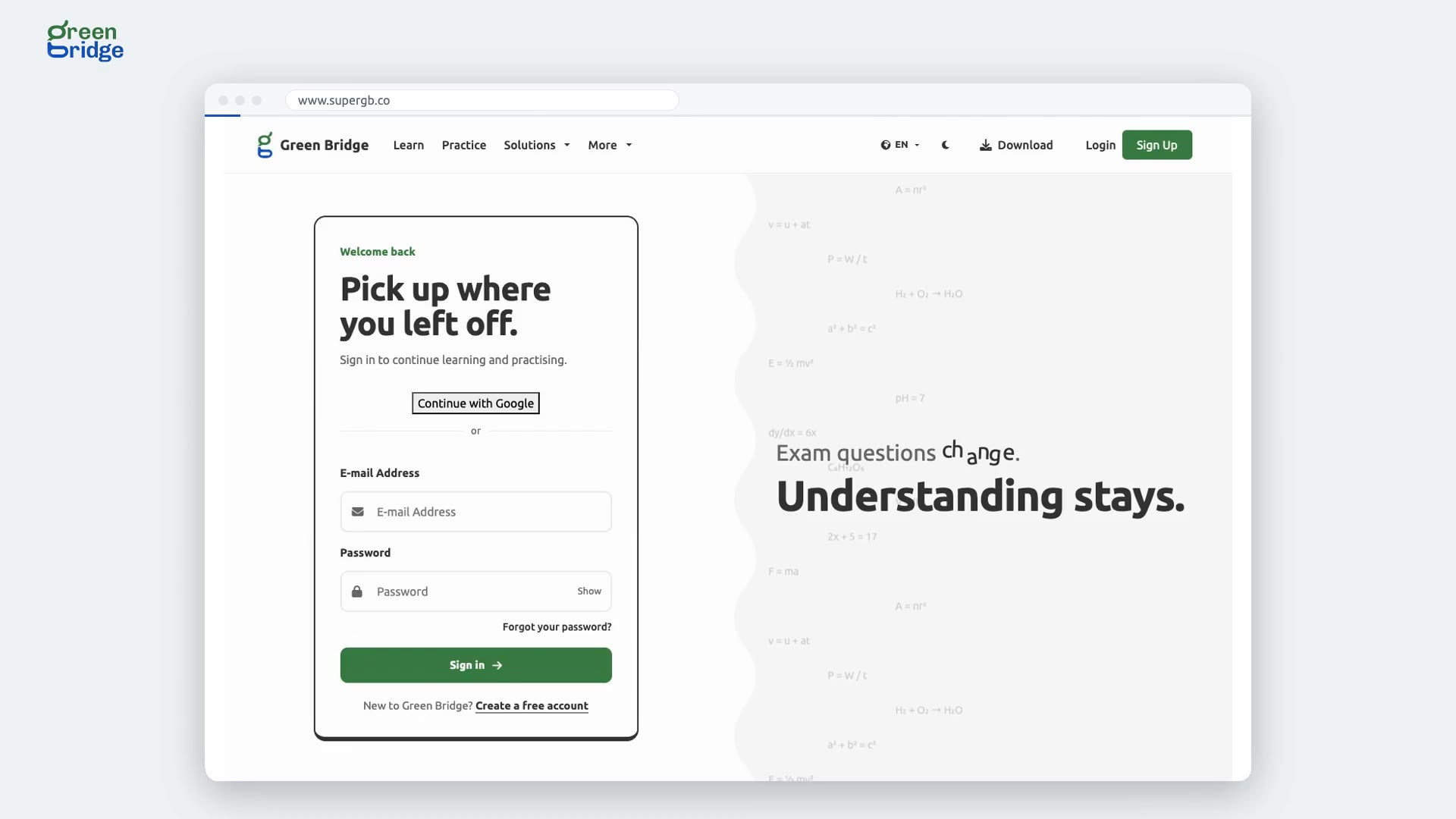
Only the emails you want. The student signs in. In Settings, they turn off email for one kind of notification, and save. Back in Settings later, it's still off. Start learning at www.supergb.com.