How to write short-answer, practical and speaking questions
When you create the test, open More question types and set how many of each you need. Then click Add question and pick the type. For a short answer, put each blank in curly braces and list the answers it accepts. A practical question takes a model answer for the marker, and a speaking question takes a preparation time and a response time. Preview shows a question as students see it, and View edit history lists every change to it.
Transcription
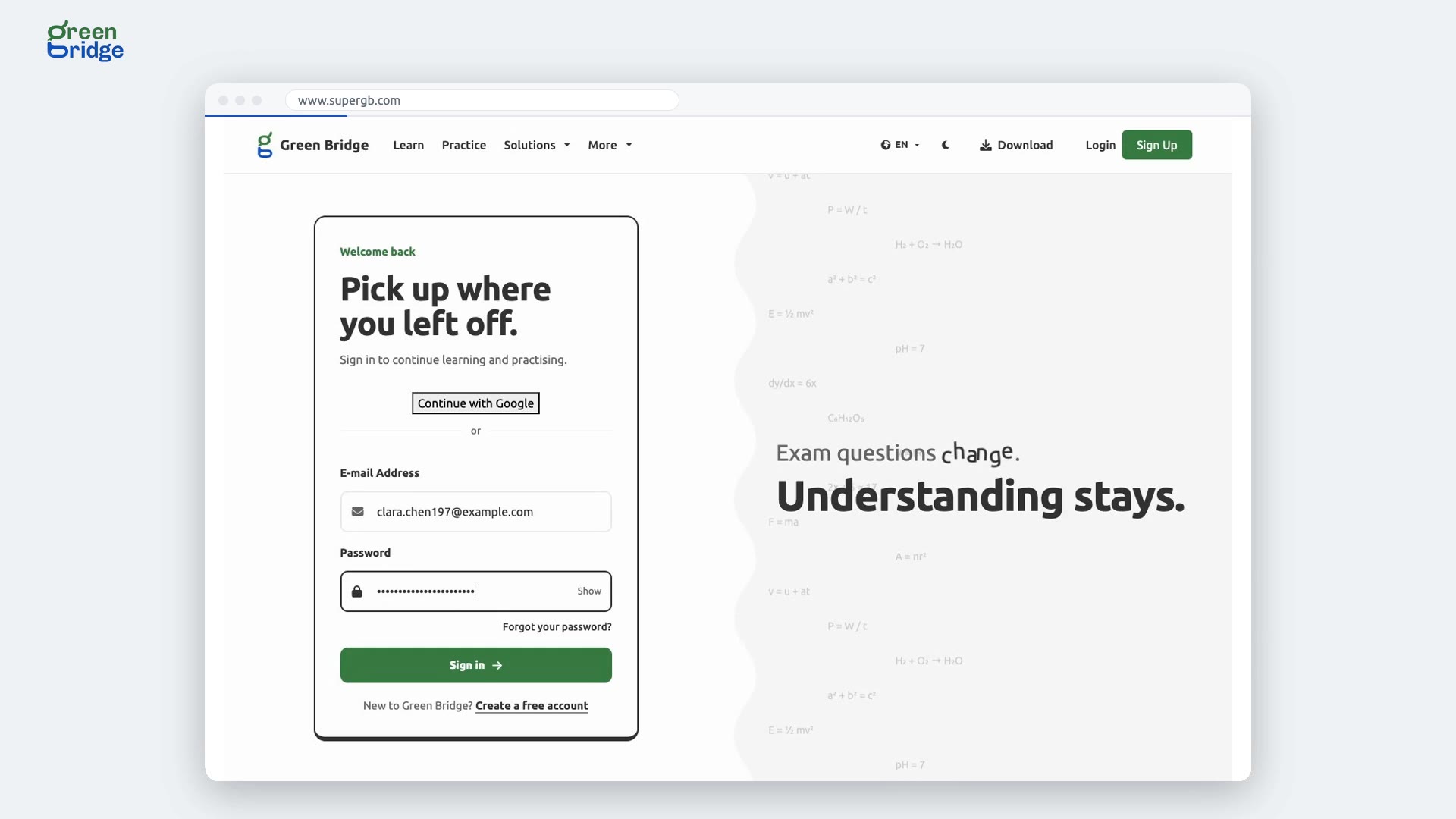
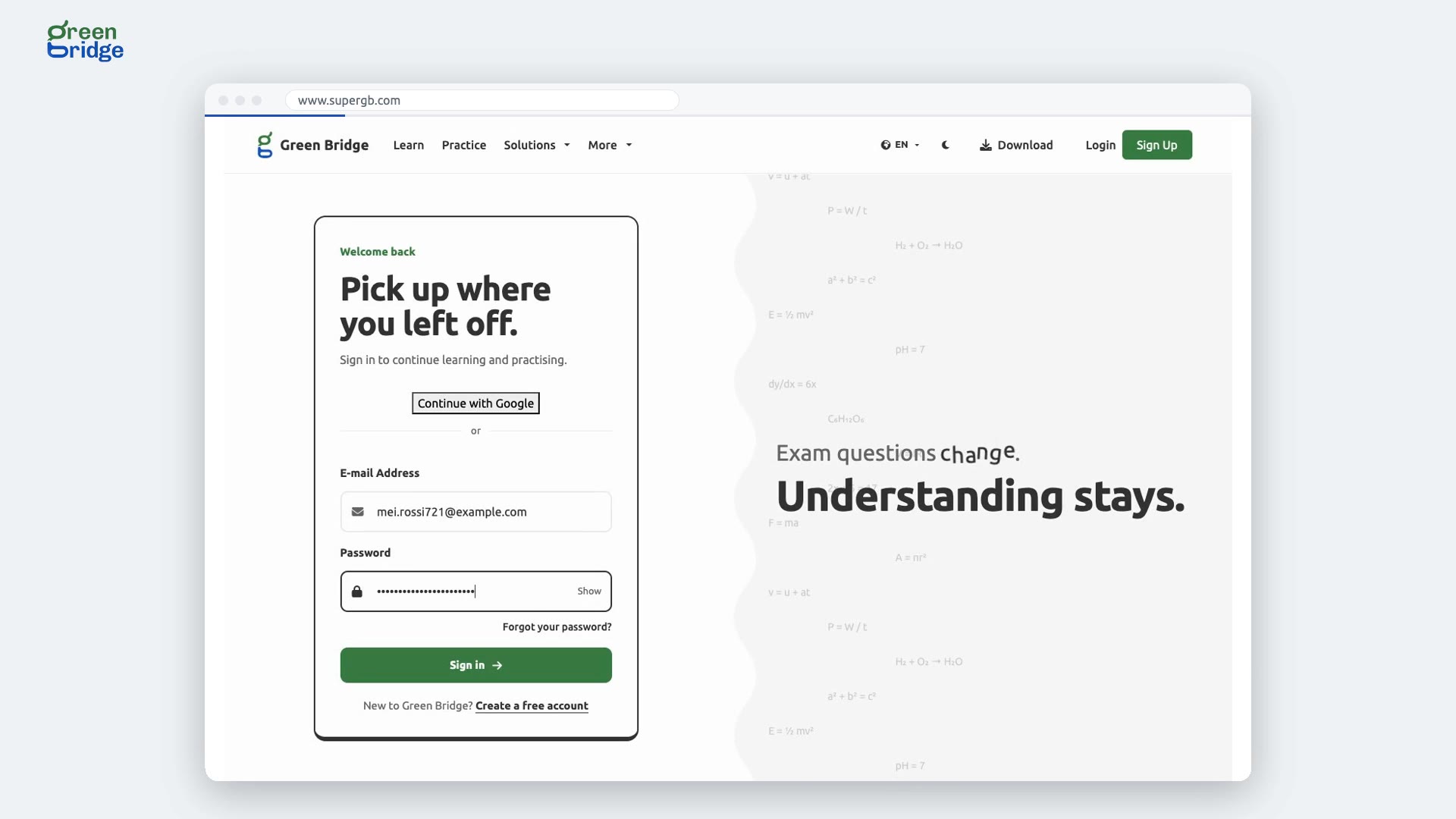
Not every question is multiple choice. Here's how a school admin writes short-answer, practical and spoken questions, then checks them. The admin signs in. They create a test, with one short-answer, one practical and one spoken question. Save, and open it. First, a short answer with a blank to fill, and the answers it accepts. Then a practical question, with the steps a good answer gives. And a spoken one, which students answer out loud, with time to prepare, and a time limit. Three questions. Preview shows a question as students will see it. Edit history shows every change to it. And they can change it any time, and the test shows the new version. So: write any kind of question, preview it as a student, and see every change in its history. Write your tests at www.supergb.com.