How to sign up as a student with Google
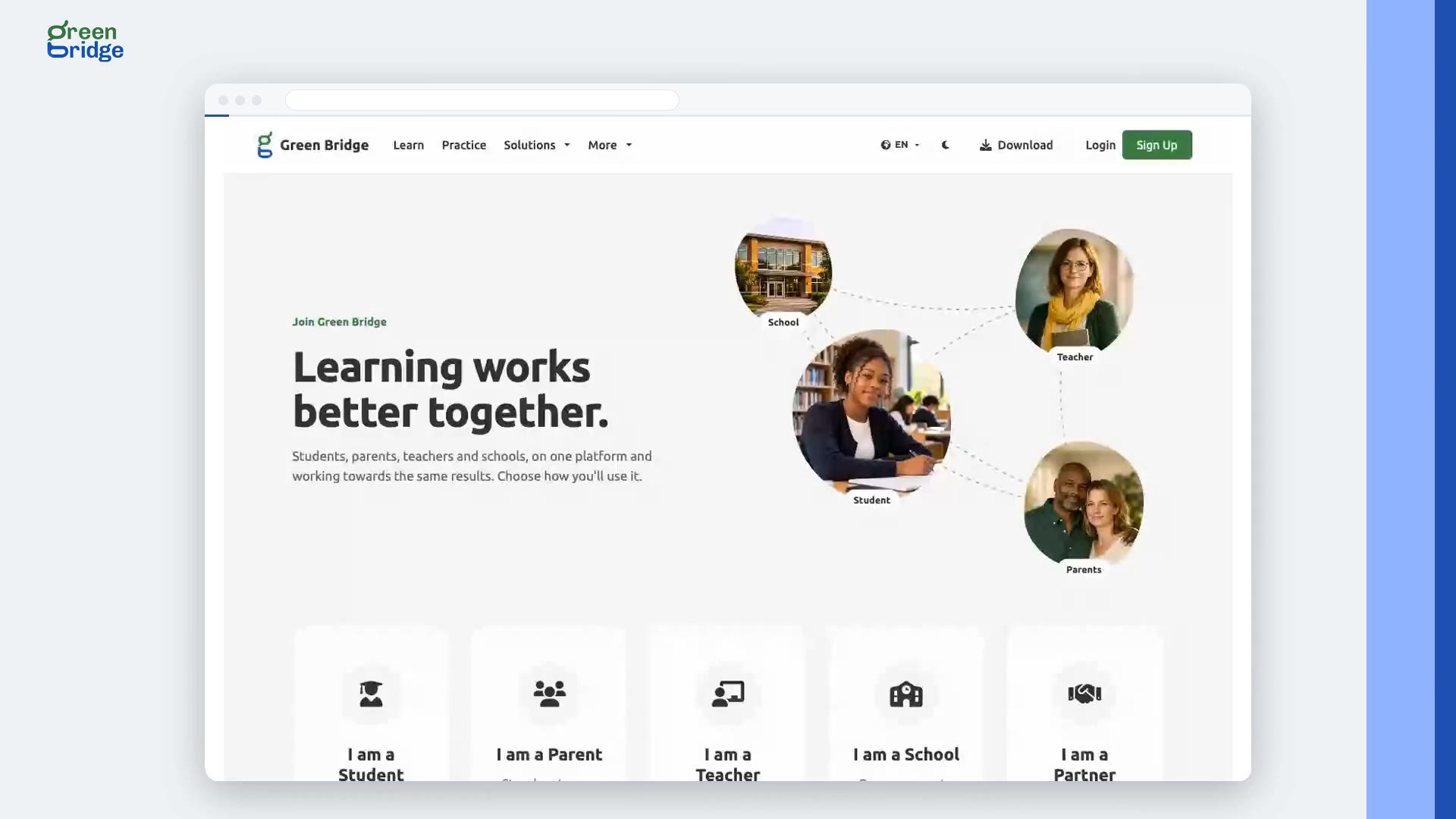
Click Sign Up at the top of the page, choose I am a Student and click Continue. Click Sign up with Google and pick your Google account. A few questions follow, such as your date of birth, phone number and the terms; anything optional has a Skip this one button. When you finish you land on your student dashboard, with no confirmation email to wait for.
Transcription
No new password, and no email to confirm. Sign up with Google. On the student sign-up page, they continue with Google. A few quick questions follow, and anything optional can be skipped. Their date of birth, a phone number, and the terms. And they're straight onto their dashboard, with no email to confirm. Sign up at www.supergb.com.