From where can the name of a user account be changed?
Question 1 Rapport
From where can the name of a user account be changed?
Détails de la réponse
The name of a user account can be changed from the Control Panel in most operating systems, including Windows and macOS.
In Windows, you can access the Control Panel by clicking on the Start menu and selecting "Control Panel" from the list of options. Once in the Control Panel, you can navigate to the "User Accounts" section and select the user account whose name you want to change. From there, you can click on the "Change your account name" option and enter the new name for the account.
Similarly, in macOS, you can access the System Preferences by clicking on the Apple menu and selecting "System Preferences" from the list of options. Once in the System Preferences, you can navigate to the "Users & Groups" section and select the user account whose name you want to change. From there, you can click on the "Full Name" field and enter the new name for the account.
In summary, the name of a user account can be changed from the Control Panel or System Preferences of your operating system. The exact steps to do so may vary slightly depending on the operating system, but in general, you can navigate to the "User Accounts" or "Users & Groups" section and select the account whose name you want to change.
Téléchargez l'application sur Google Play.
Tout ce dont vous avez besoin pour exceller au JAMB, WAEC et NECO.
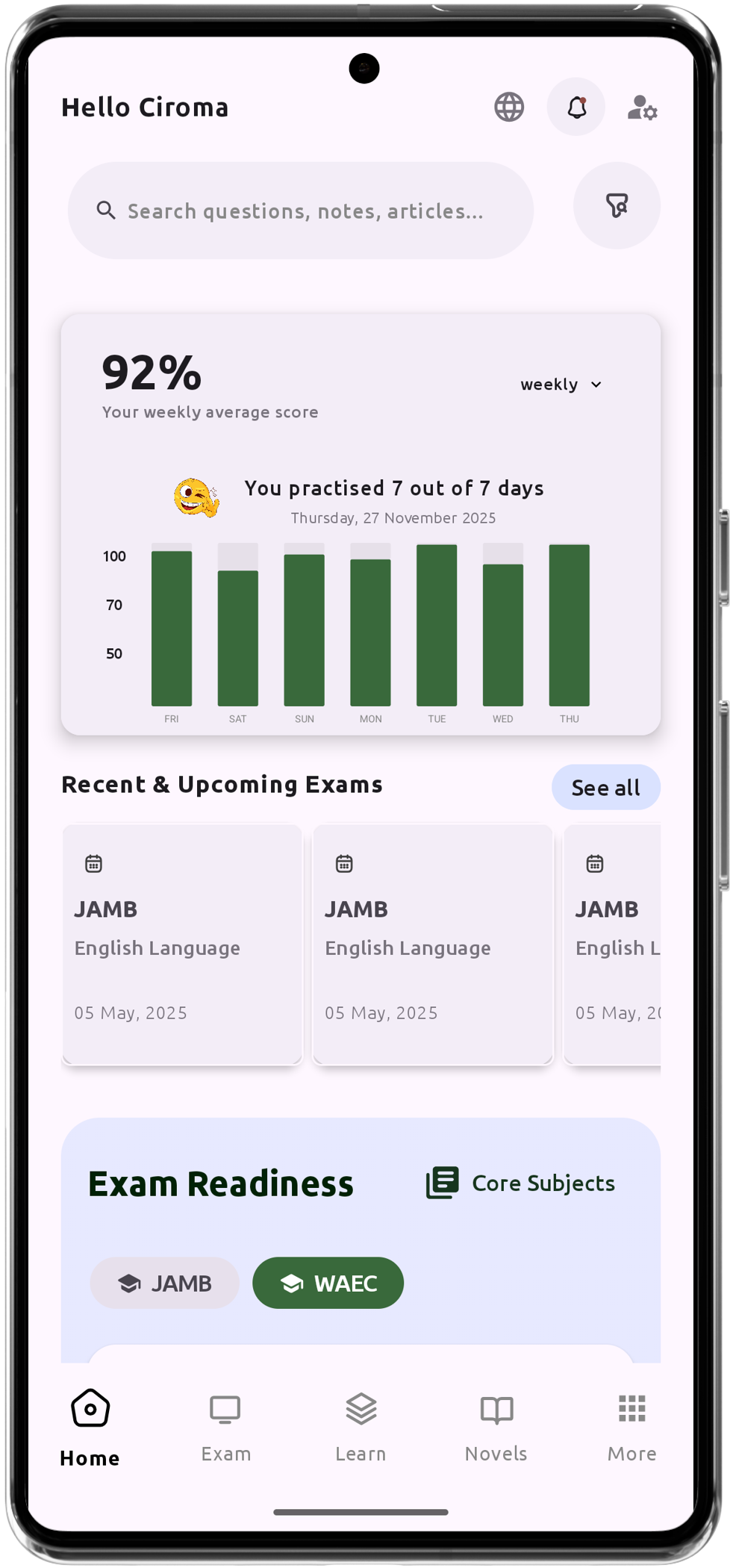
Assistant de chat d'apprentissage personnalisé par IA
Plus de 200 000 questions d'examen IGCSE, JAMB, WAEC et NECO.
Plus de 1200 notes de cours
Assistance Hors Ligne - Apprenez à Tout Moment, Partout
Horaire du Pont Vert
Résumés littéraires et questions potentielles
Suivez vos performances et votre progression
Explications Approfondies pour un Apprentissage Complet