How to create a parent account
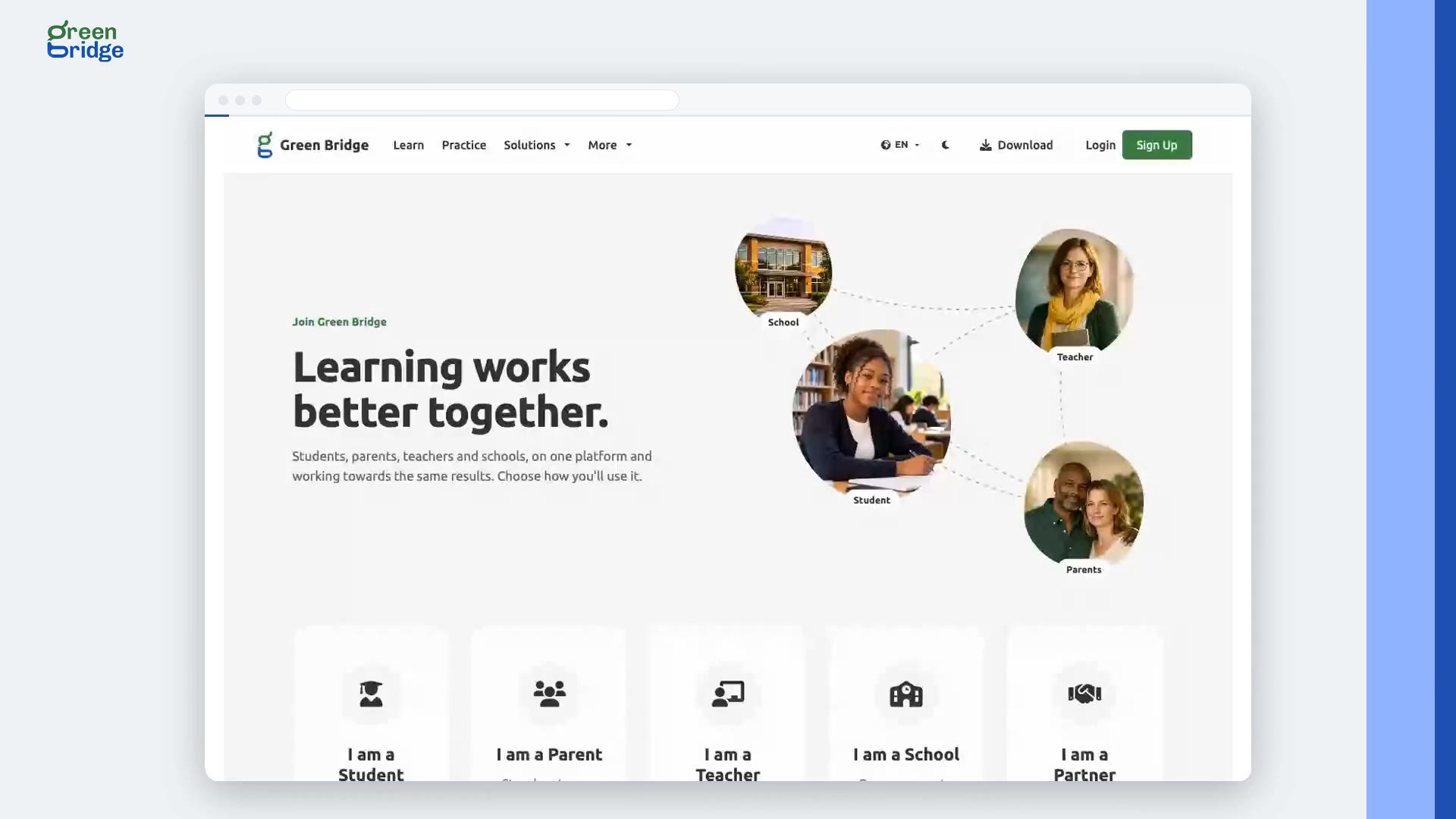
On the sign-up page, choose I am a Parent and click Continue. Answer one question at a time: your name, email, how many children you're supporting, your country, which exam they're preparing for, your date of birth and a password. A parent account needs someone aged 18 or over. Agree to the Terms and Conditions to finish, then open the "Welcome to Green Bridge for Parents" email and select the link. Sign in and you'll land on your parent dashboard.
Transcripción
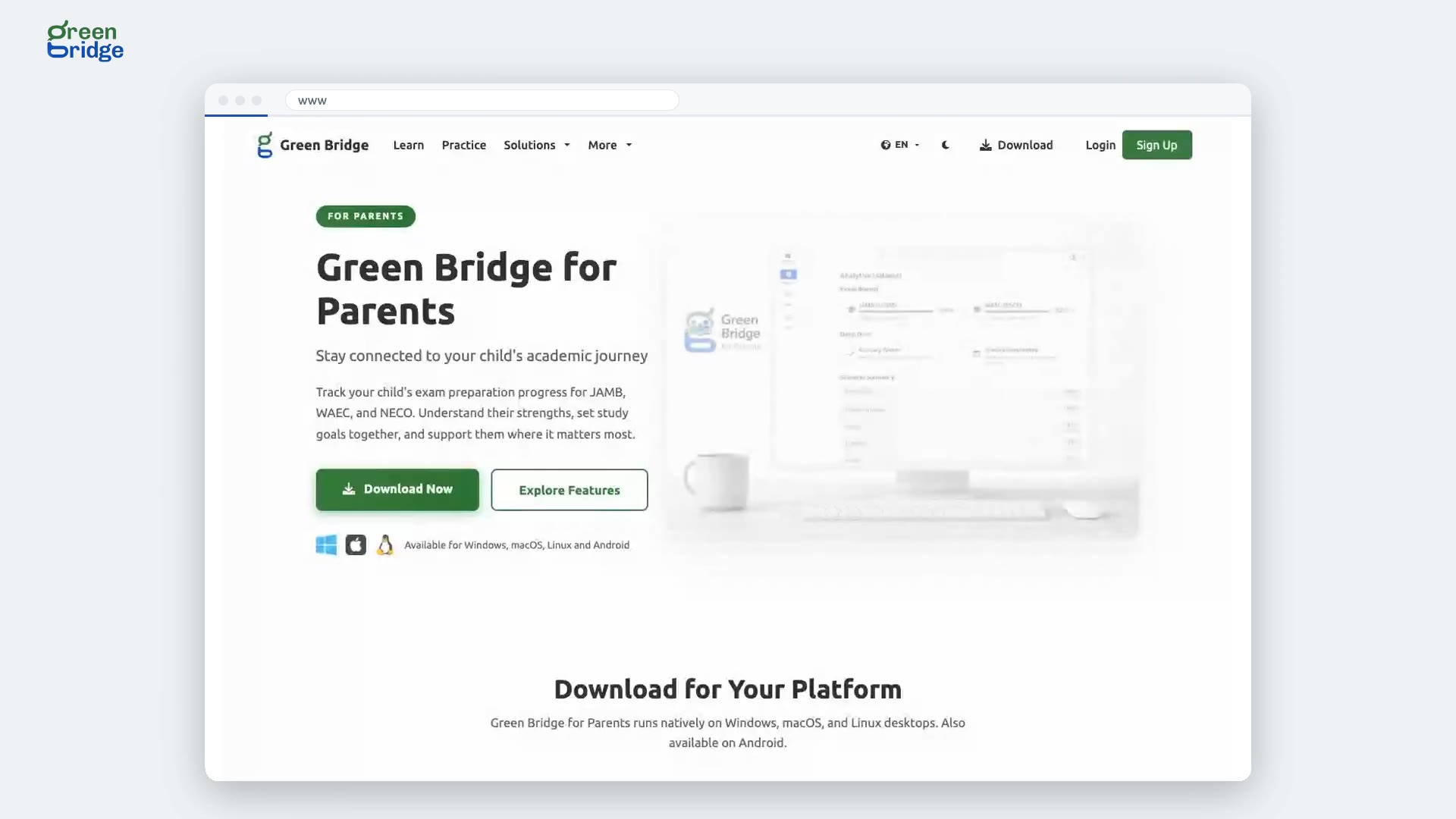
Want to follow your child's exam practice? A parent signs up with their name, email, date of birth, and a password. They agree to the terms, and finish. Then they check their inbox, follow the confirmation link, sign in, and land on their parent dashboard. So: sign up, confirm your email, and follow your child from your own dashboard. Sign up at www.supergb.com.