From where can the name of a user account be changed?
Pregunta 1 Informe
From where can the name of a user account be changed?
Detalles de la respuesta
The name of a user account can be changed from the Control Panel in most operating systems, including Windows and macOS.
In Windows, you can access the Control Panel by clicking on the Start menu and selecting "Control Panel" from the list of options. Once in the Control Panel, you can navigate to the "User Accounts" section and select the user account whose name you want to change. From there, you can click on the "Change your account name" option and enter the new name for the account.
Similarly, in macOS, you can access the System Preferences by clicking on the Apple menu and selecting "System Preferences" from the list of options. Once in the System Preferences, you can navigate to the "Users & Groups" section and select the user account whose name you want to change. From there, you can click on the "Full Name" field and enter the new name for the account.
In summary, the name of a user account can be changed from the Control Panel or System Preferences of your operating system. The exact steps to do so may vary slightly depending on the operating system, but in general, you can navigate to the "User Accounts" or "Users & Groups" section and select the account whose name you want to change.
Descarga la aplicación en Google Playstore.
Todo lo que necesitas para destacar en JAMB, WAEC y NECO.
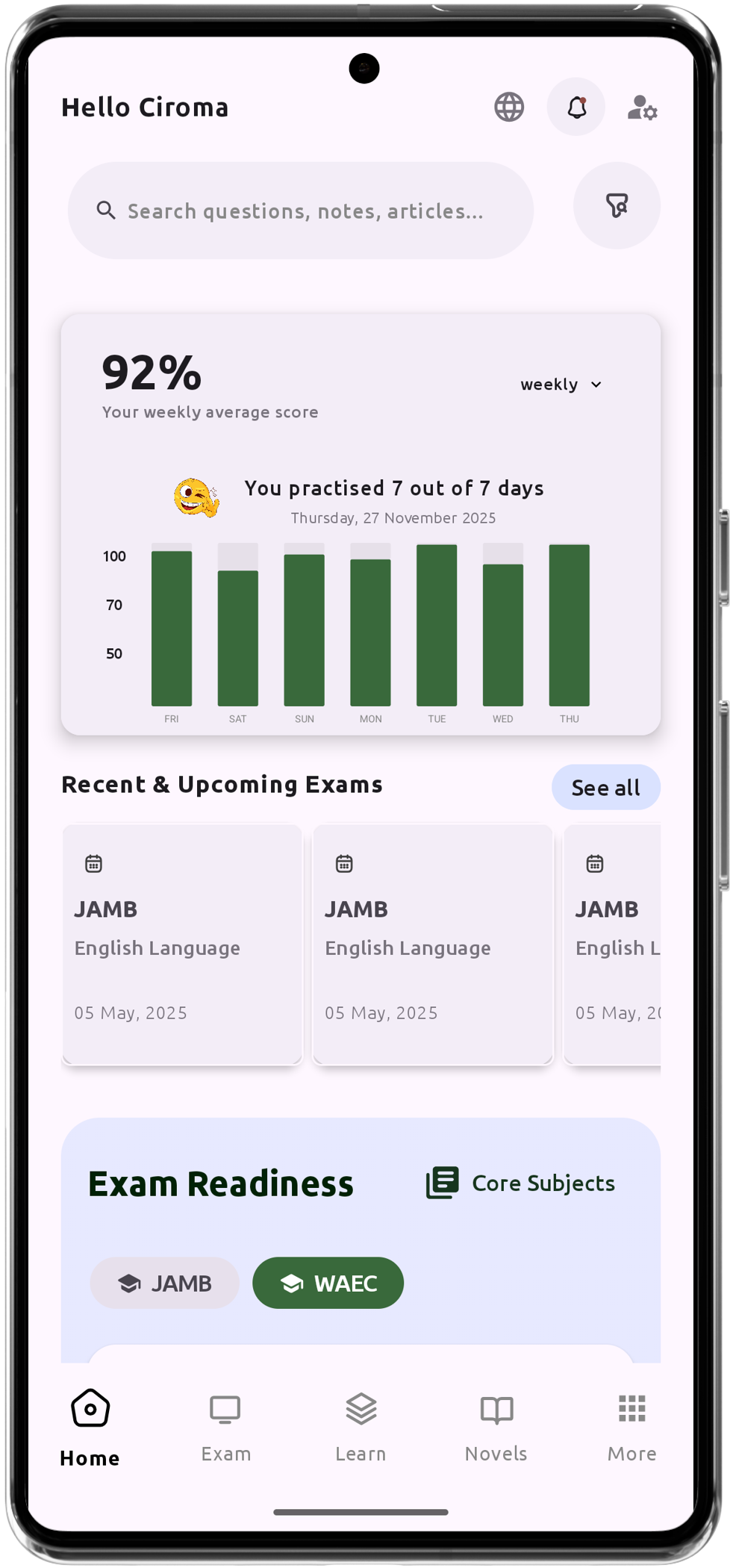
Asistente de Chat de Aprendizaje Personalizado con IA
Más de 200.000 preguntas de examen de IGCSE, JAMB, WAEC y NECO.
Más de 1200 notas de lecciones
Soporte sin conexión: Aprende en cualquier momento y lugar.
Horario del Puente Verde
Resúmenes de Literatura y Preguntas Potenciales
Controla tu rendimiento y progreso.
Explicaciones detalladas para un aprendizaje integral