Otú Green Bridge si arụ ọrụ
Nkọwa dị mkpụmkpụ ma dị mfe nke ihe ị nwere ike ime na Green Bridge, ọtụtụ nwere vidiyo. Họrọ onye ị bụ na ebe ị na-eji ya, ma ọ bụ chọọ.
Ntuziaka 349, 277 nwere vidiyo
Ntuziaka achọtara: 65 Hichapụ nhọrọ
-
 0:39
How to find a tutor from your home page
Your home page has a Find a tutor banner. Click it and Find a teacher opens, where you can search for a vetted teacher for one-to-one help in your subjects.
Ịmụ ndetu na usoro ọmụmụ
-
 0:51
How to study a topic from your syllabus
Open Syllabus in the menu on the left and choose your exam and subject. Use the Contents list to jump to any section, and it opens. Where a topic has lesson notes, click Study this topic to read them.
Ịmụ ndetu na usoro ọmụmụ
-
 1:10
How to switch your dashboard between IGCSE and SSCE
Click the qualification control in the top bar, choose IGCSE and click Apply. Your dashboard now shows IGCSE subjects, and the syllabuses are Cambridge ones. To go back, open the same control, choose SSCE and click Apply again.
Ịmụ ndetu na usoro ọmụmụ
-
 0:40
How to move on to a related topic
Many topics list related topics on the same page. Click one and it opens in place of the one you were reading, so you can follow an idea from topic to topic without going back to the list.
Ịmụ ndetu na usoro ọmụmụ
-
 0:50
Can I read IGCSE literature study guides on the website?
You can read the summary of every IGCSE set text on the website. Switch your dashboard to IGCSE from the top bar, open Literature Summaries and pick the novel or play. For some titles, the full study guide is only in the Green Bridge mobile app, and the page tells you when that's the case.
Ịmụ ndetu na usoro ọmụmụ
-
 0:41
Can I try a past paper without an account?
Yes. Anyone can open a free past paper and answer the questions without signing in. When you click Submit, you'll be asked to log in so your answers can be marked and saved. Login opens in a new tab, so your answers stay on the paper. Once you've logged in, submit again.
Ajụjụ ule ị nwere ike ide
-
 0:43
Can I see why an answer is right?
Yes, when you sit a paper in Practice mode. Click View Answer on a question and you'll see the right answer together with an explanation of why it's right. In a timed Real exam, answers are only shown after you submit.
Ajụjụ ule ị nwere ike ide
-
 0:44
Can I sit premium IGCSE papers on the website?
No. Premium IGCSE past papers, such as Cambridge ones, are sat in the Green Bridge mobile app. If you try to open one on the website, you'll see a message that it isn't available for web access. Download the app to sit it.
Ajụjụ ule ị nwere ike ide
-
 0:54
Can I sit premium WAEC papers on the website?
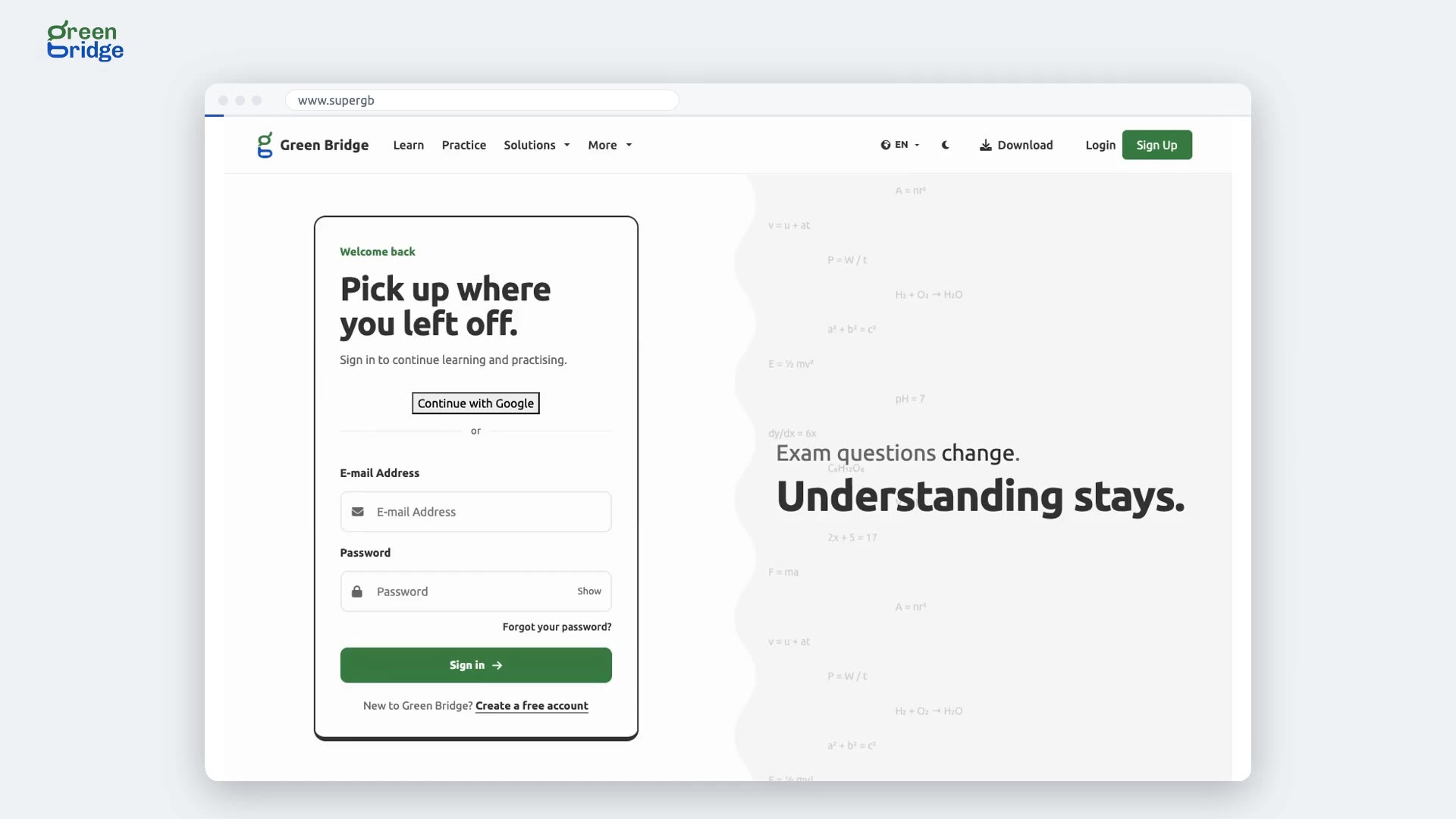
Yes. Premium WAEC papers open in your browser like any other. Sign in, choose the paper on the Practice page, answer the questions and click Submit, then Yes, please. Your score shows as soon as you confirm.
Ajụjụ ule ị nwere ike ide
- How to find your share code for a parent or school From your dashboard, open your profile. You'll see your share code there, which you can give to your parent or school. Akaụntụ gị, ntọala na atụmatụ
- How to approve your child's teacher and withdraw approval If your child is under 18, ask them to open the teacher's profile from their dashboard and create a link for your approval. Open the link and approve the teacher as your child's parent. You'll see confirmation that your approval is recorded, and the profile stops asking for approval when your child checks again. If you withdraw your approval, you'll see confirmation that it was withdrawn. When your child checks again, the teacher's profile asks for your approval again. Ịchọta onye nkuzi na iso ya rụọ ọrụ
- How to sign in on the Android app and set up your exams Open the app and tap Already have an account? Log in. Enter your email and password and tap Sign In. Under Set up your study space, choose the qualification you're preparing for, such as SSCE or IGCSE, and tap Continue. The app downloads that exam's papers and questions so you can practise offline, which can take a few minutes on a slow connection. Ịmalite na ngwa Android
- How to sit a past paper on the Android app Tap Exam at the bottom, then General Practice. Choose your exam board and subject, pick a paper and tap Start Assessment. Answer each question, then tap Submit and Yes. Your Overall Score appears at once, and your result is saved to your account so your parents and teachers can see it. Ajụjụ ule gara aga na ngwa Android
- How to search past SSCE questions and view an answer From your dashboard, search for a topic or keyword in the top bar. Open a question from the search results to see the full question and its answer. Ịmụ ndetu na usoro ọmụmụ
- How to view the WAEC exam timetable From your dashboard menu, open the WAEC exam timetable to see the papers listed day by day. Switch to the calendar view to see the papers arranged on a calendar. Ịmụ ndetu na usoro ọmụmụ
- How to submit written practice answers and read AI feedback With a premium account, open a paper for practice and answer the multiple-choice and essay questions. Attach a photo of your working to an essay answer and check that it appears under that essay. Submit the paper and confirm, then you'll see a message saying your written answers are being marked. When marking finishes, you can read the AI's marks and feedback for each written answer and see your overall result. Written answers on a practice paper
- How to view your practice paper result from an email Open a paper as practice and answer the multiple-choice and essay questions. Submit the paper and confirm your submission. When marking is finished, you’ll receive an email saying your result is ready. Open the result from that email to see your overall score, along with the marks and feedback for each written answer. Written answers on a practice paper